
rename-labels
You need to be a Pro member to access the full content of this.
rename-labels lets you rename labels from A to B:
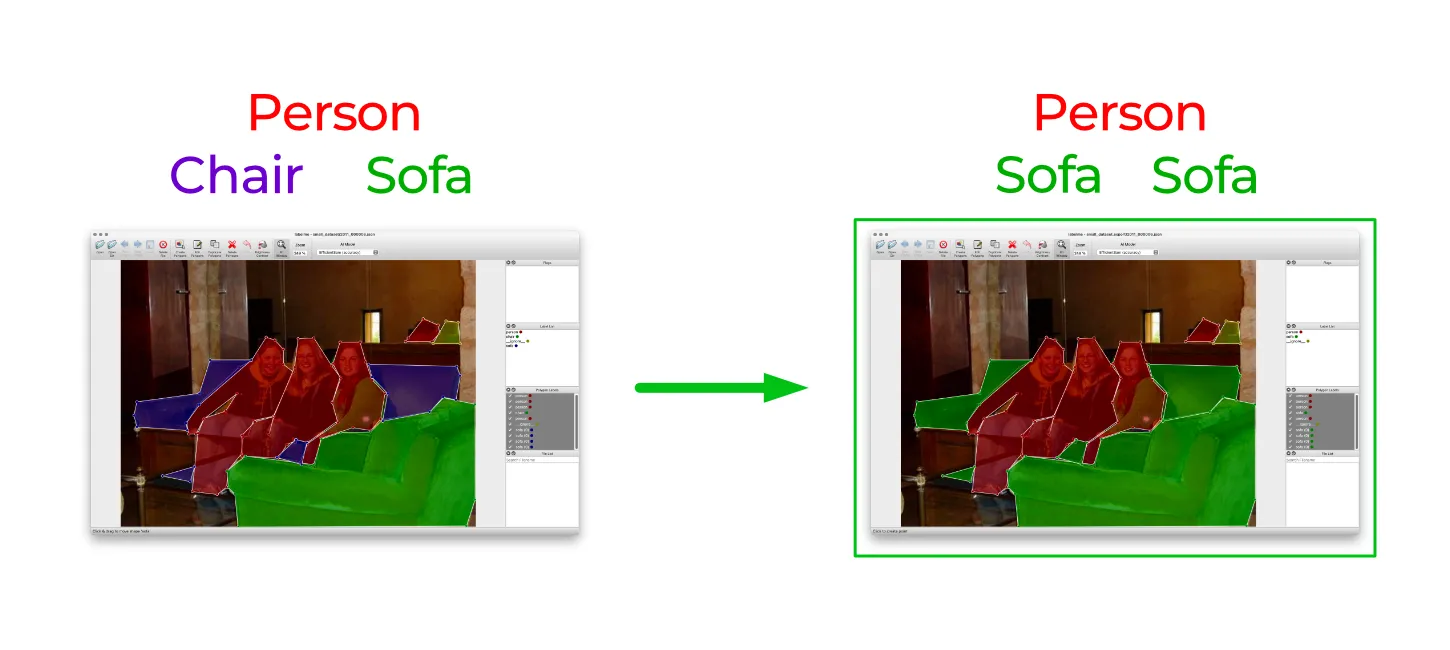
Why you want to use this tool
Labelme lets you rename the label of each shape easily via the GUI.
However, in some cases, you'd like to rename labels after annotation such as:
- Annotation target object expands/shrinks
- Annotation category resolution changes
- Use name that makes more sense
Doing this manually is time-consuming when you have many files.
rename-labels helps to resolve this.
Usage
Pass either a JSON file or directory of JSON files.
labelmetk rename-labels [OPTIONS] FILE_OR_DIR...
--from-to FROM_LABEL TO_LABEL: Pair of label renaming "from" to "to". When you'd like to rename multiple labels, you can do so by passing multiple labels (e.g.,--from-to A B --from-to C D).
Example: Rename a single label
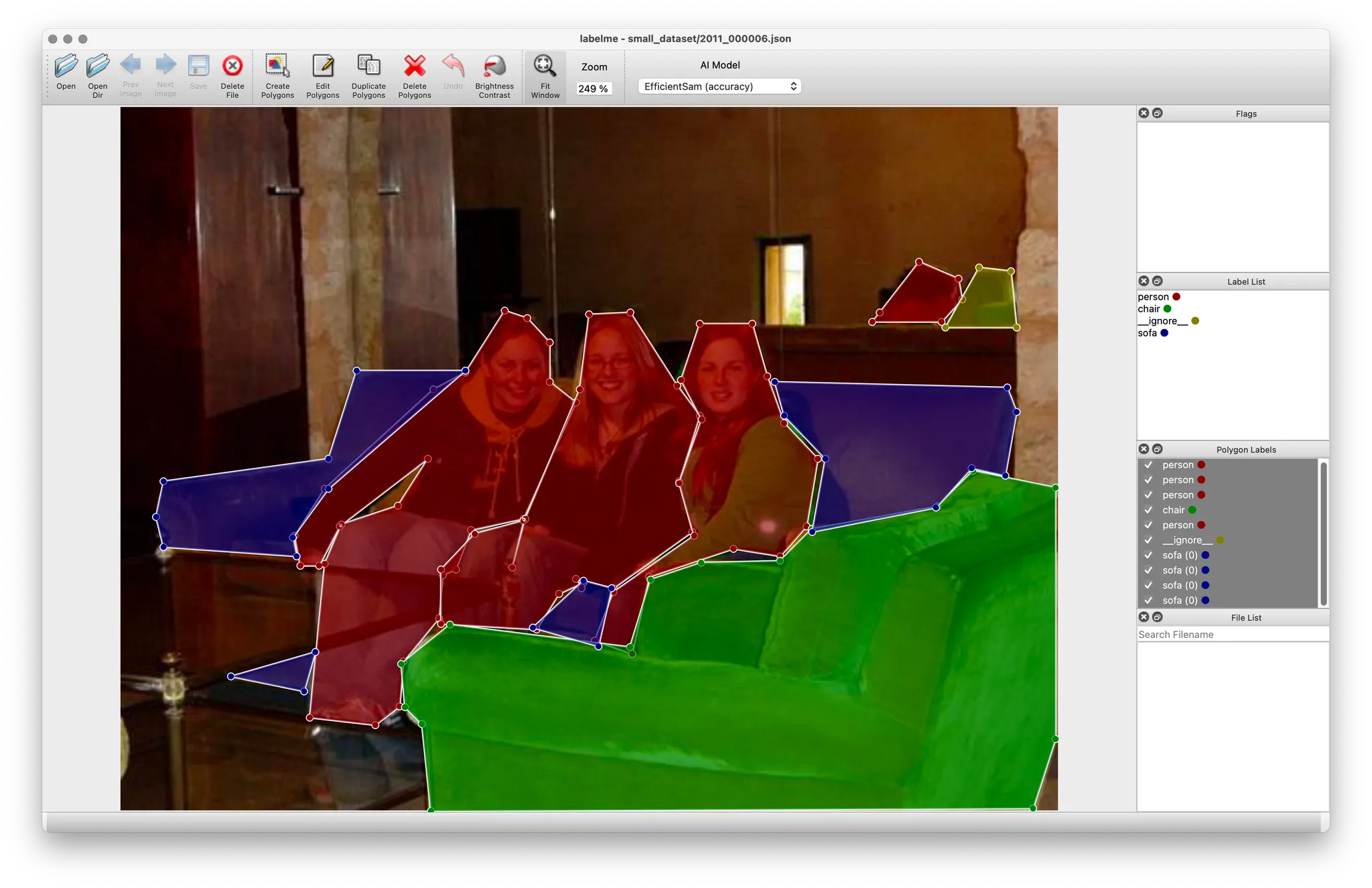
labelmetk rename-labels small_dataset/2011_000006.json --from-to chair sofa

Before
After
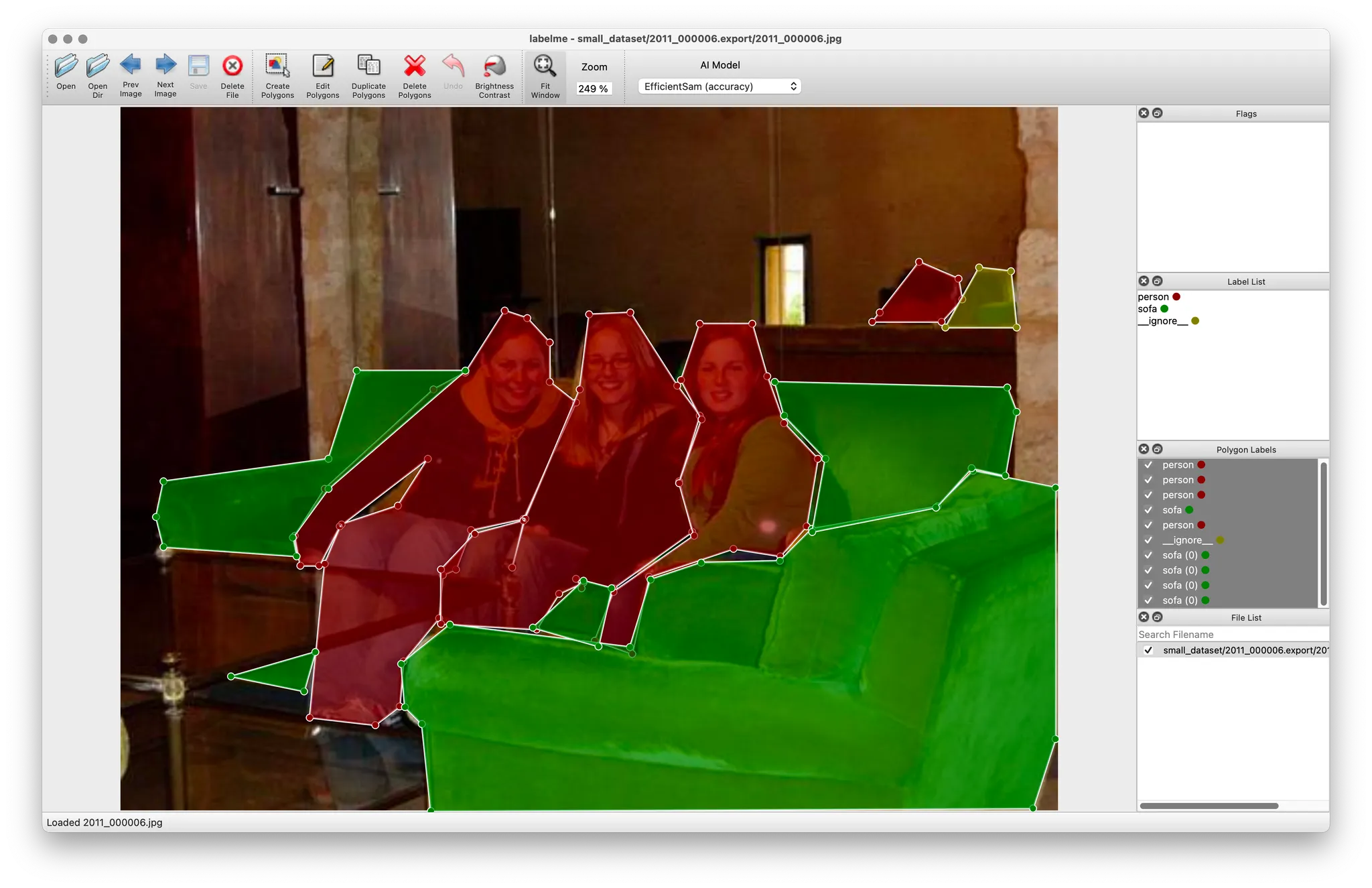
Now "chair" is named as "sofa".
Example: Renaming multiple labels
Pass multiple pairs of labels:
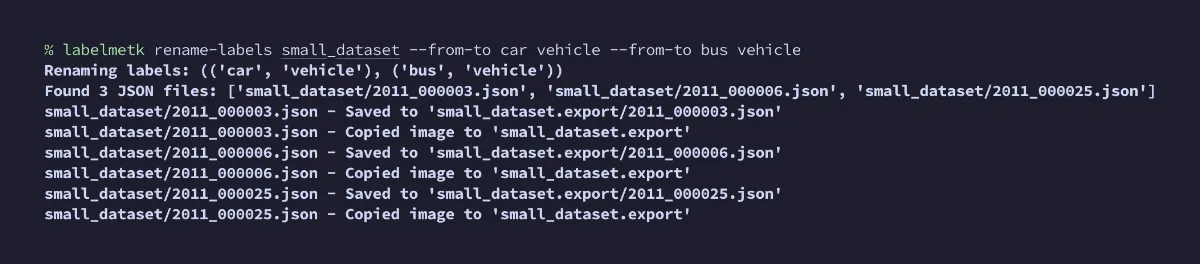
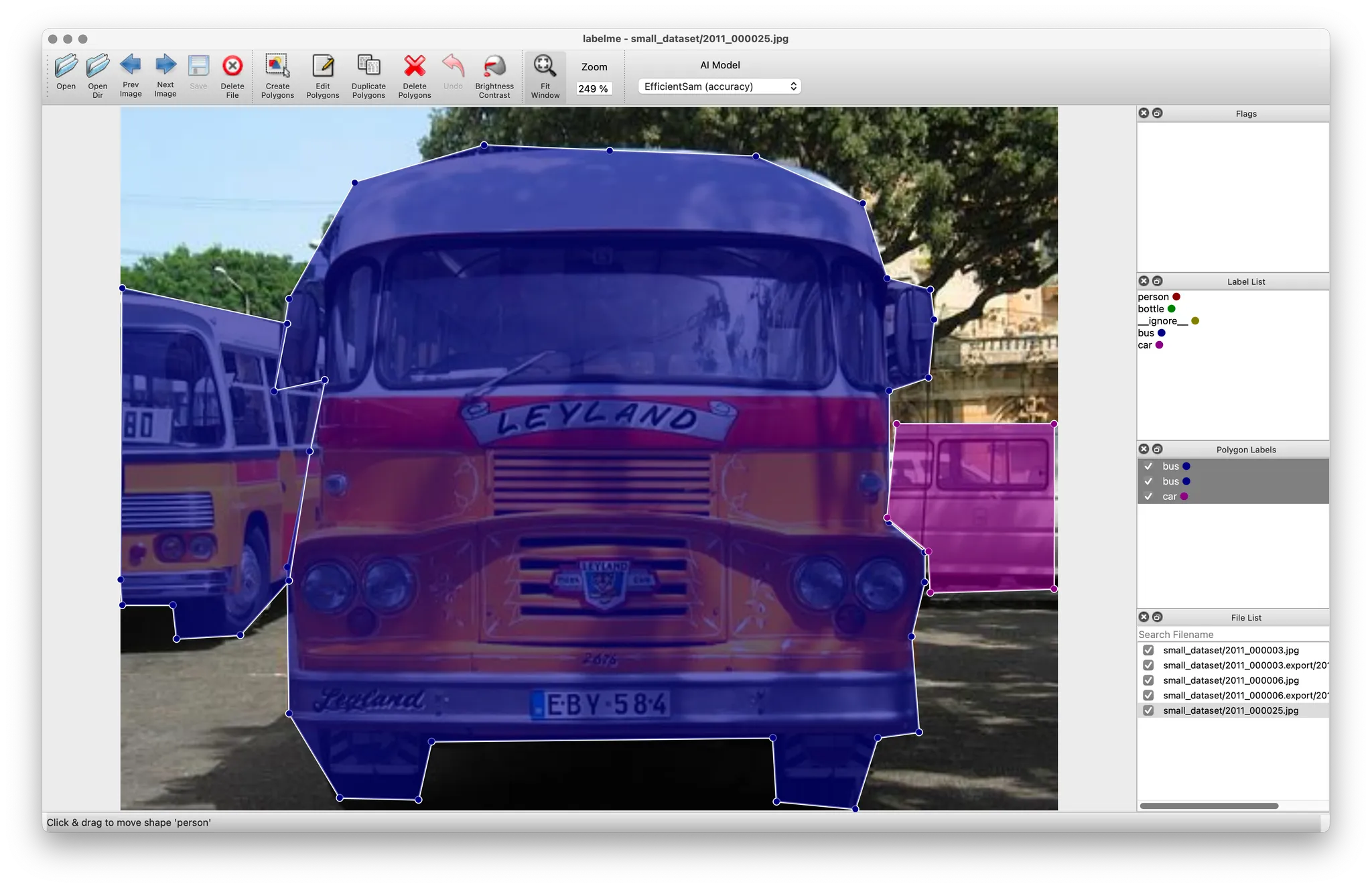
labelmetk rename-labels small_dataset --from-to car vehicle --from-to bus vehicle
Before
After
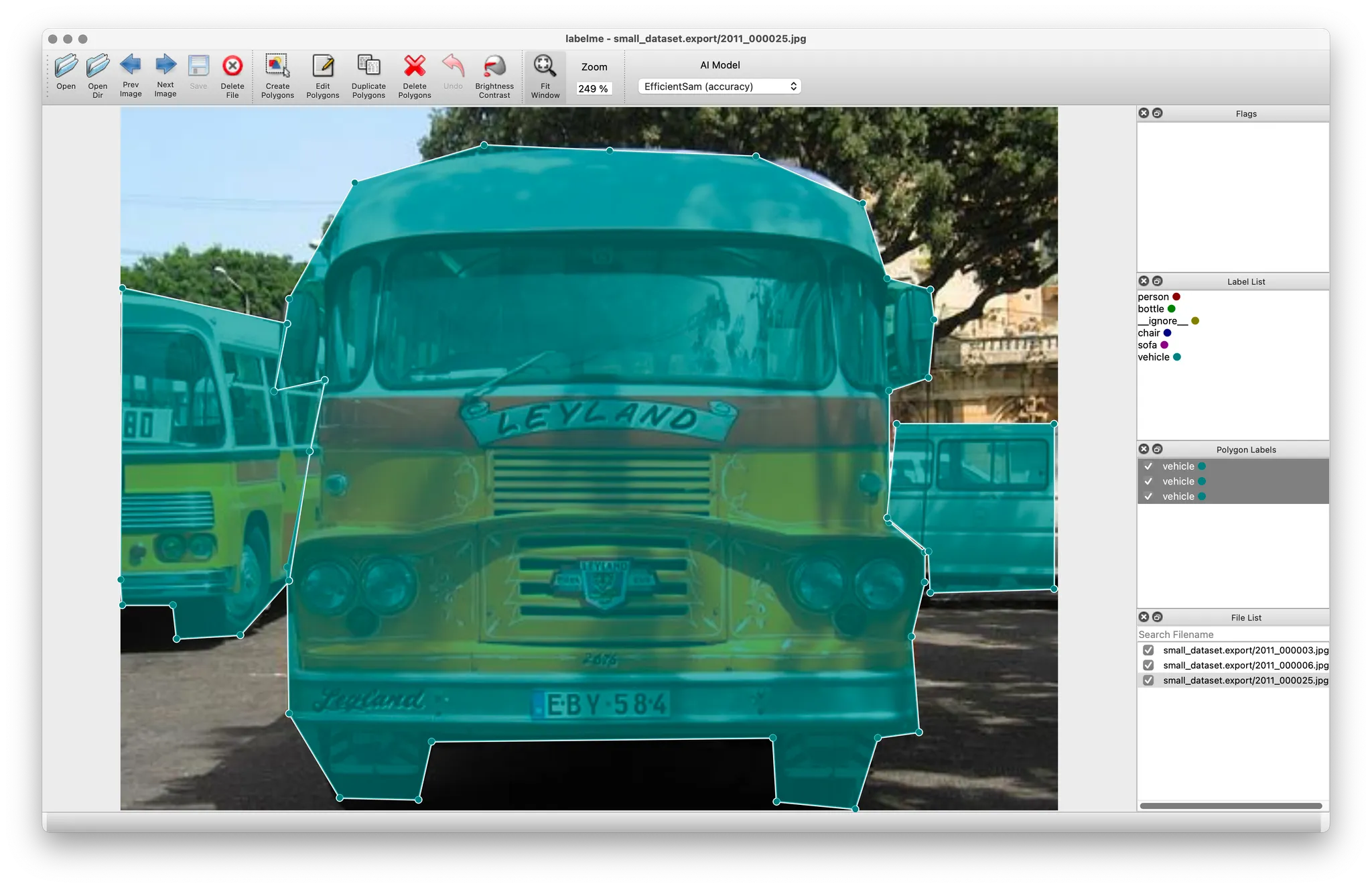
Now both "car" and "bus" are named as "vehicle".
Download an example dataset from:
small_dataset.zip (389KB)