
Set Shape Flag defaults in Settings
An annotation workflow may need occluded and truncated on every car Shape. Setting up those choices used to mean editing the Config File by hand.
Labelme v7.6.0 adds Predefined shape flags to Settings. Add a Label pattern, enter one Shape Flag name per line, and valid edits apply without restarting Labelme.
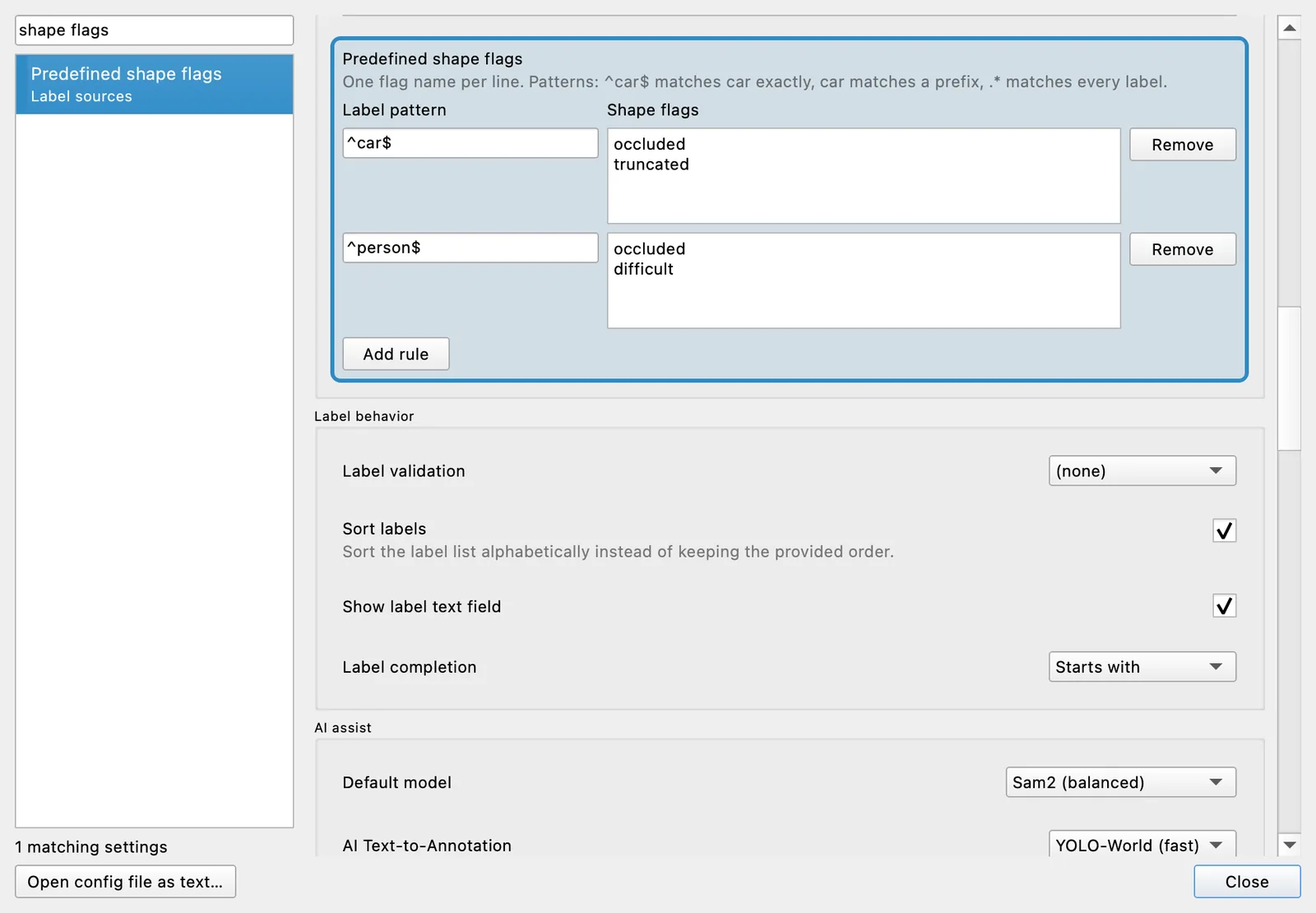
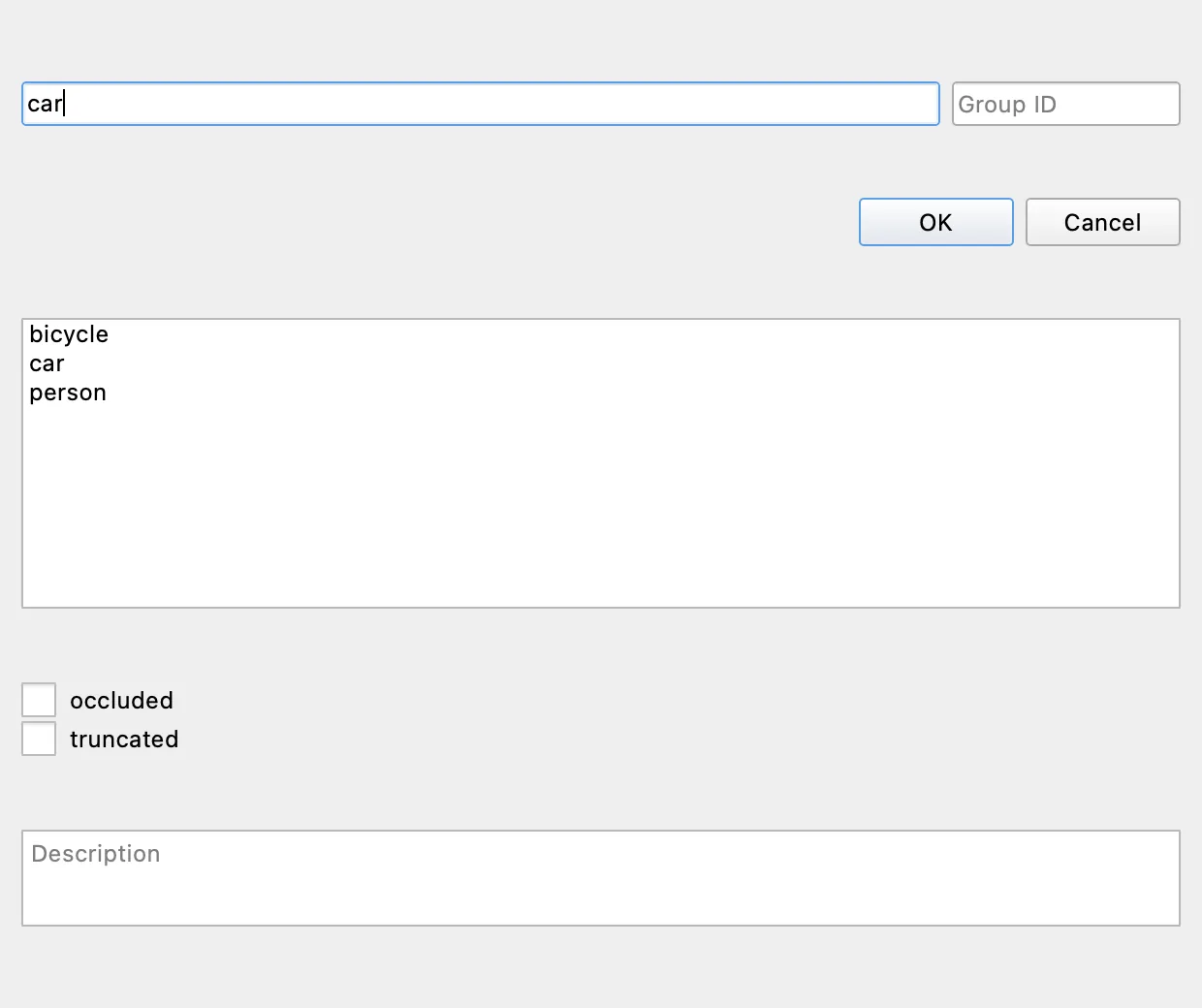
The ^car$ pattern matches the exact Label car. When you create or edit a matching Shape, the Shape Label dialog offers the configured Shape Flags as unchecked choices.
Defaults without silent deletion
The rules provide defaults; they are not a whitelist. Changing or removing a rule does not alter the current Annotation, and changing a Shape's Label does not erase Shape Flags already stored on it. That preservation rule prevents a Settings edit from silently discarding another annotator's data.
An incomplete pattern, invalid regular expression, or duplicate pattern shows an inline error while the last valid rules stay active. The Shape Flag Settings implementation and its preservation decision record both behaviors.