
Your AI agent can now annotate in Labelme
In Labelme Pro, an AI agent can work on the image you have open. Ask Claude, ChatGPT or Claude Code to outline every car, and it looks at the image, reads the Shapes already there, adds new ones, selects them and deletes the wrong ones.
That video is an animation. Here is the same kind of request in the real app, recorded at real speed with no cuts.
Set it up once
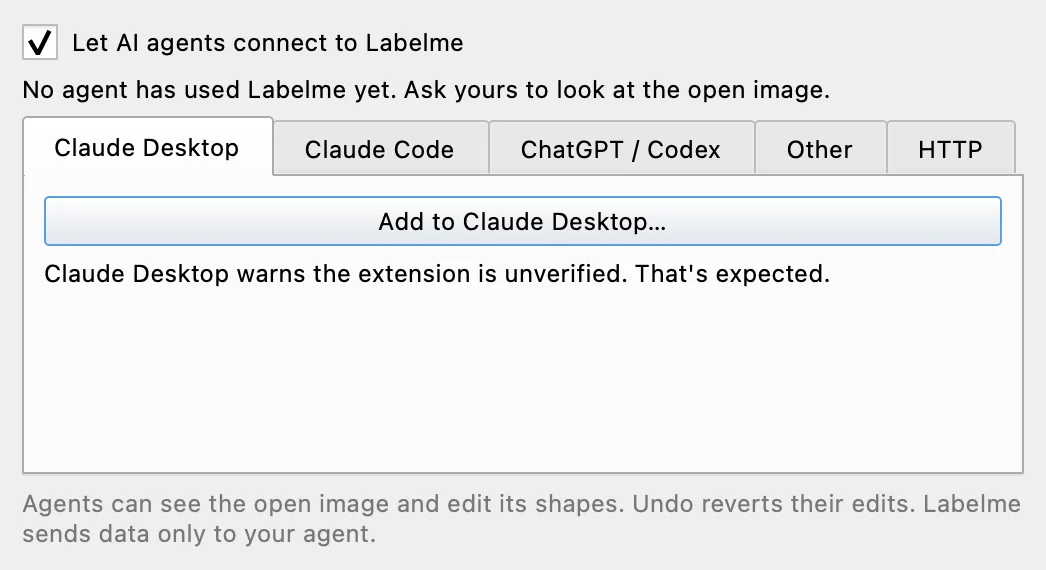
In Labelme, choose File › Connect AI Agent…, turn on Let AI agents connect to Labelme, and click Add to Claude Desktop…. ChatGPT and Claude Code take one click too, and Codex and Cursor take a few lines of config. Connect an AI agent has the steps for each app.
You decide how much it does alone
Your agent's app asks you before each change. Once you trust it with a task, choose to always allow Labelme's tools and let it run. Each time your agent adds or deletes Shapes, one ⌘Z (Ctrl+Z on Windows and Linux) undoes that step.
Your agent can't delete a locked Shape. Lock the Shapes you have checked, and the agent can only add around them.
Where your images go
Labelme sends the open image only to the app you connect, and only when your agent asks to see it. That app sends it to its model, which may run in the cloud. To keep everything on your computer, connect an app that runs its model locally. Labelme's built-in models, such as SAM3 and YOLO-World, always run offline.
AI agents work in Pro, Pro Lifetime and the free trial. See what an agent can do.