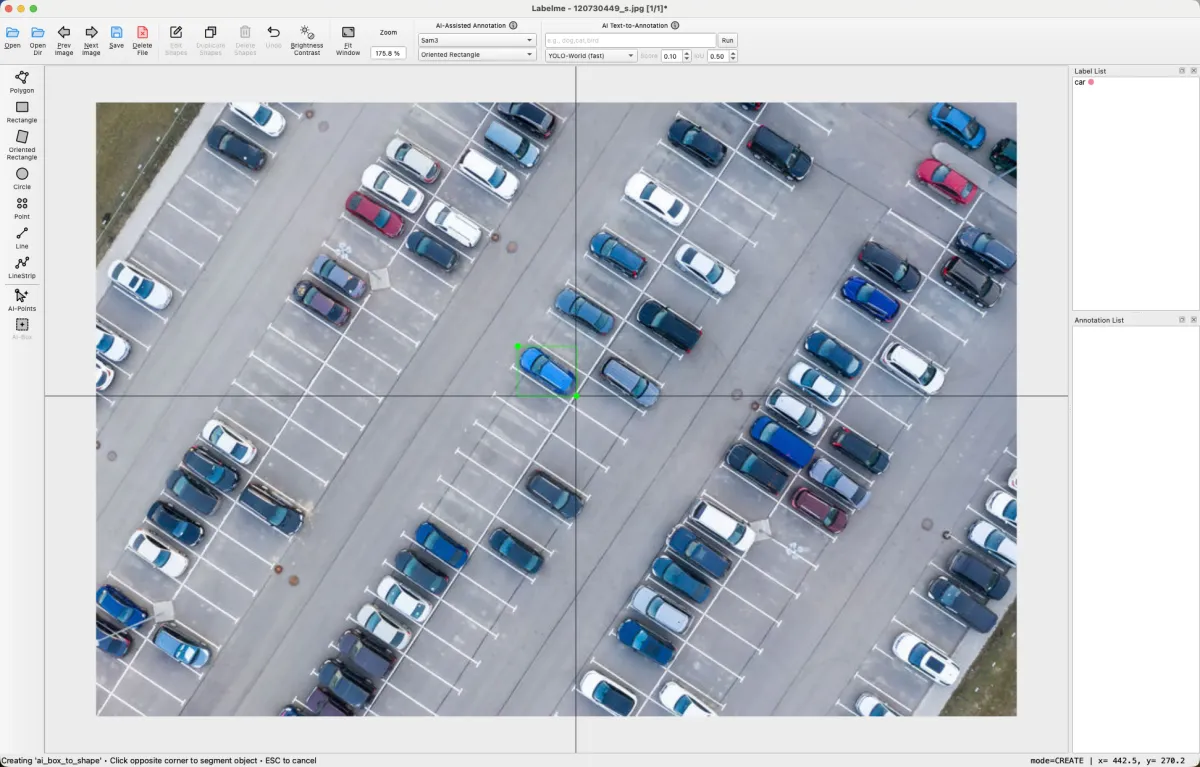
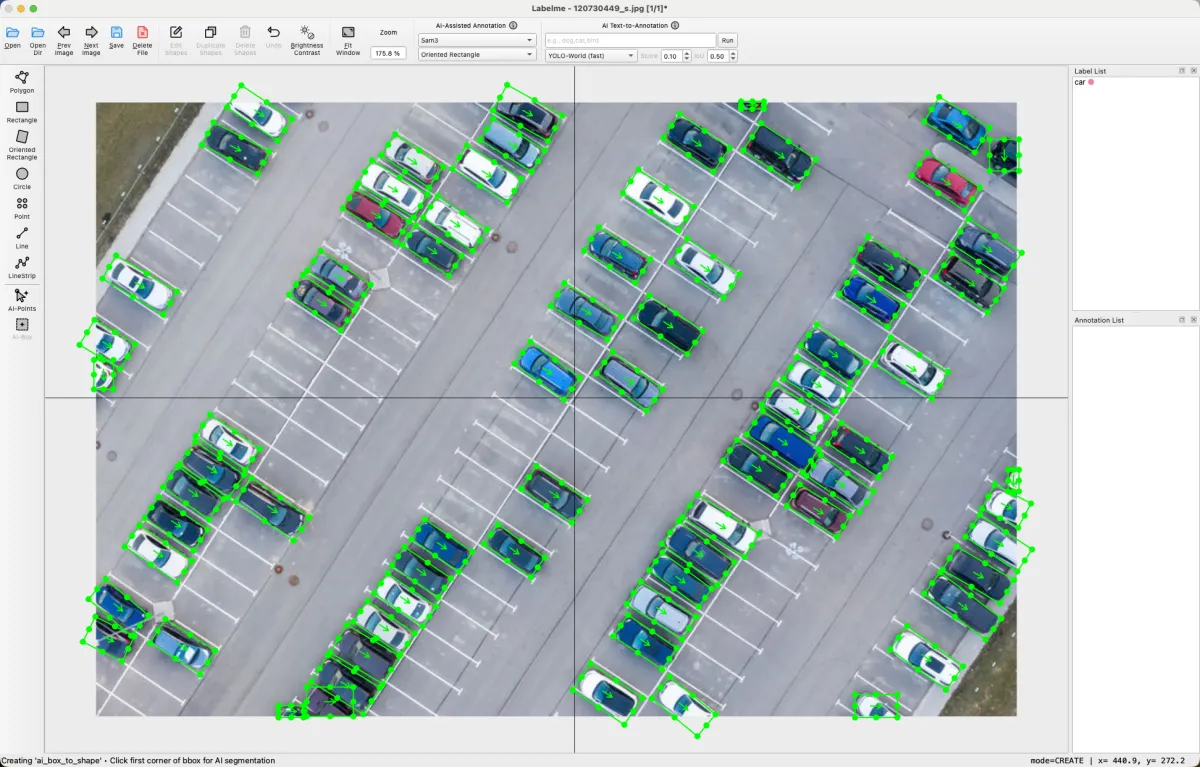
Box to annotationSAM3
Draw one rough box on one car; every car gets an oriented box.

 Claude and ChatGPT now label for you
 Annotation is the slow step between your images and a trained model. The Labelme desktop app drafts each shape with AI, and you correct it.
Available for macOS, Windows, and LinuxTry it free for 3 days without a card. After that you pay once, from $79, and can get a full refund within 14 days.
4.9 out of 5 stars from 146 reviews · By the author of open-source Labelme

Labelme annotates any kind of image.
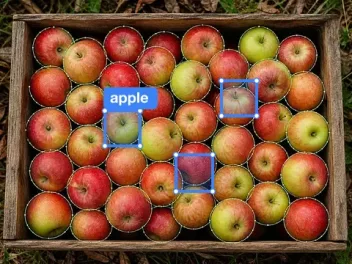 AgricultureApples as rectangles
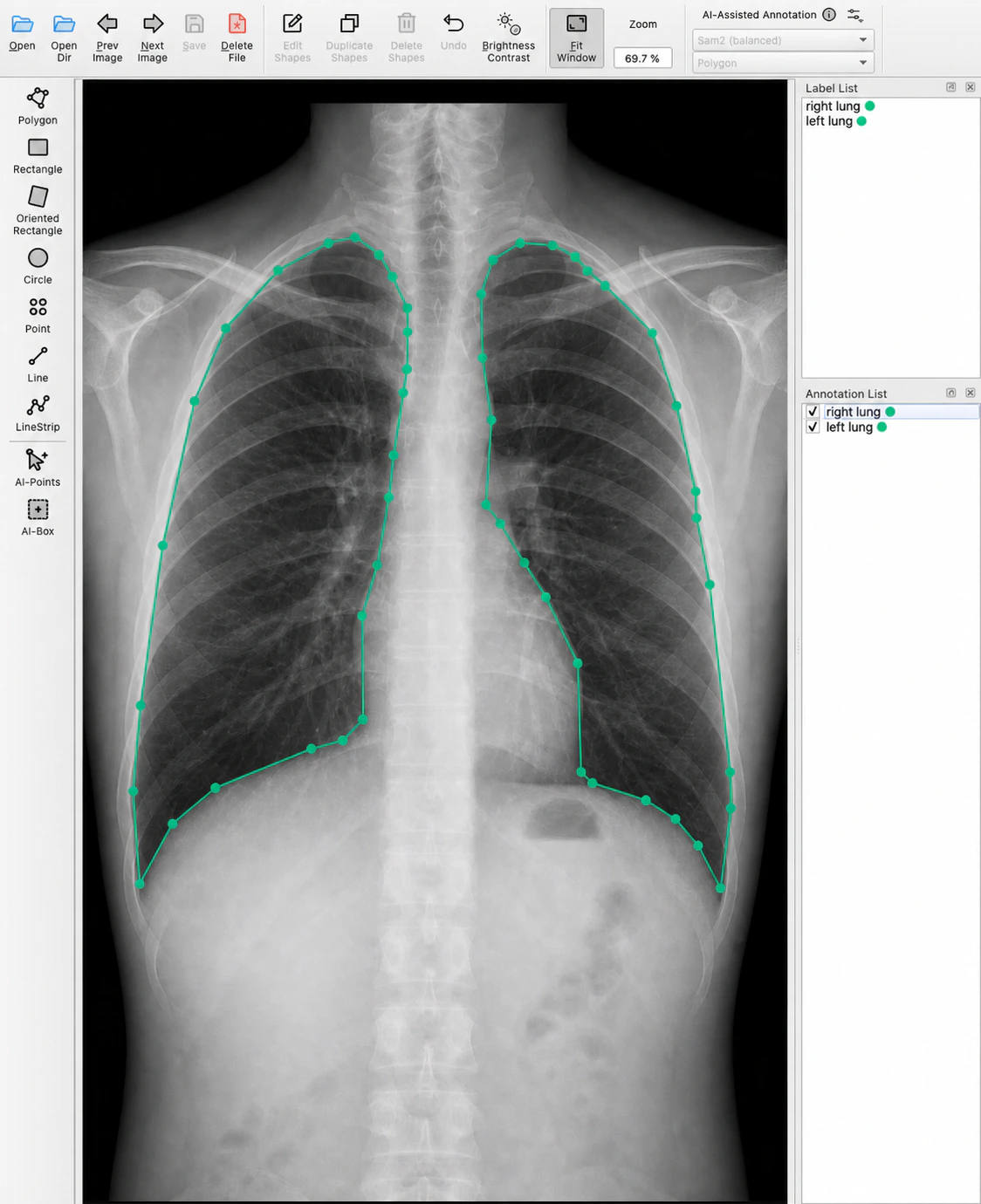
 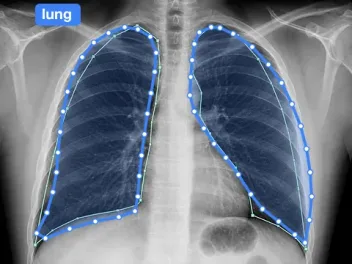 MedicalLungs as polygons
 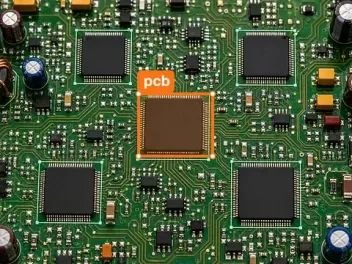 ElectronicsChip as rectangle
 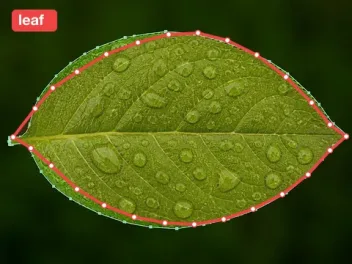 PlantsLeaf as polygon
 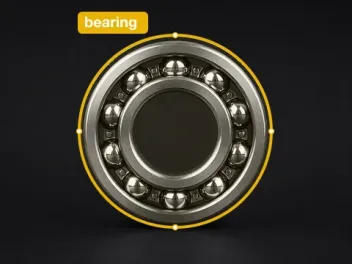 IndustrialBearing as circle
 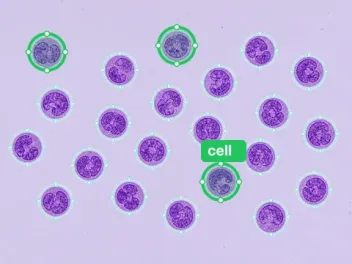 MicroscopyCells as circles
 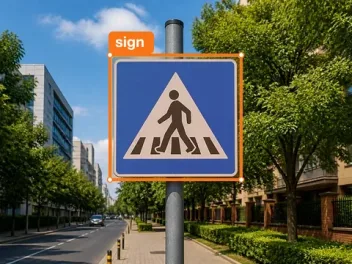 TrafficSign as rectangle
 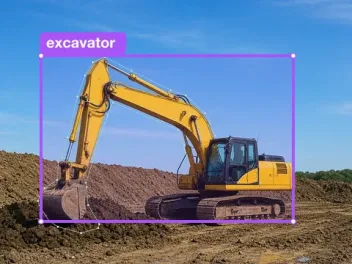 ConstructionExcavator as rectangle
  Labelme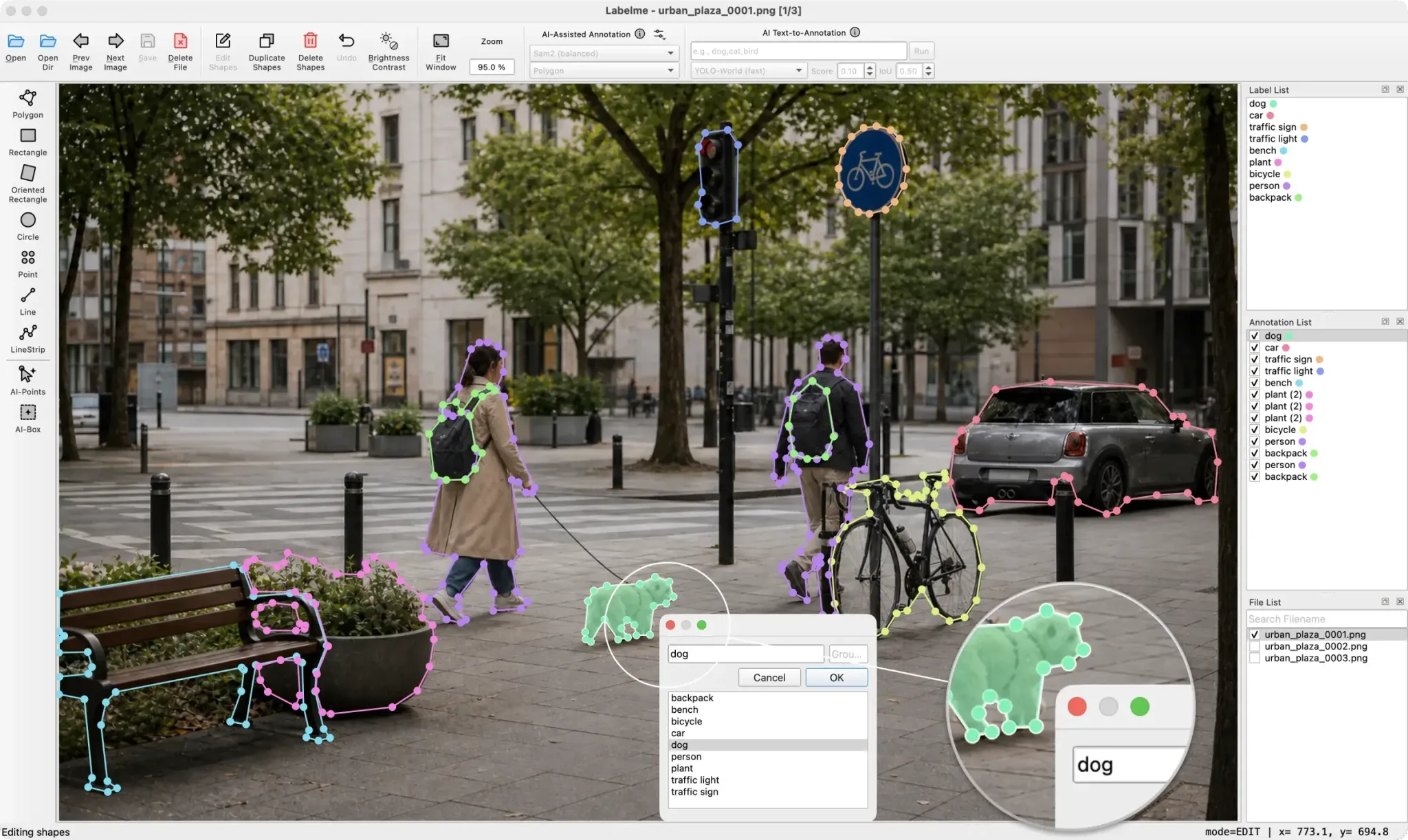


You correct shapes instead of drawing them. Every result stays editable, point by point.
Draw one rough box on one car; every car gets an oriented box.
Click to include, Shift-click to exclude; the polygon updates.
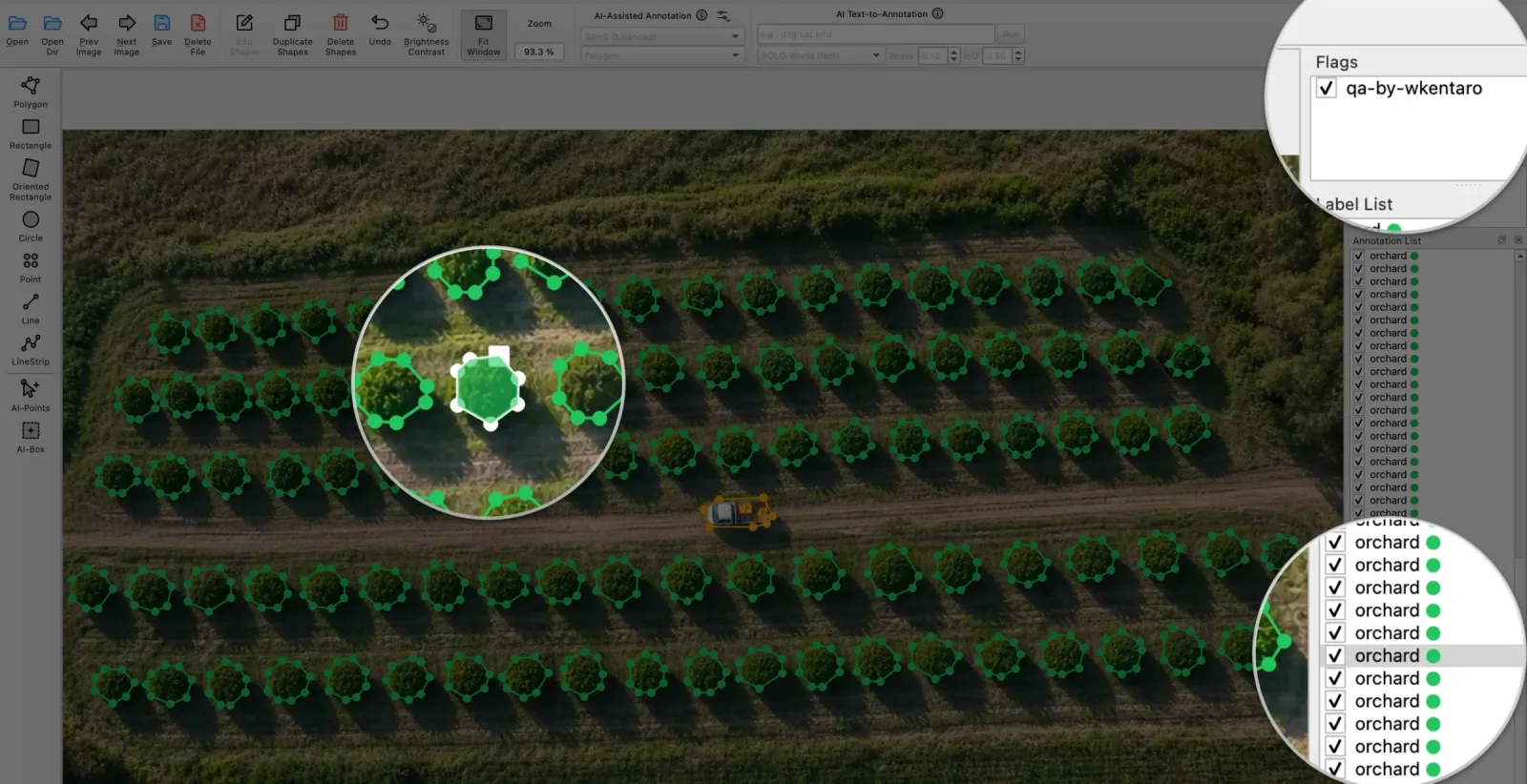
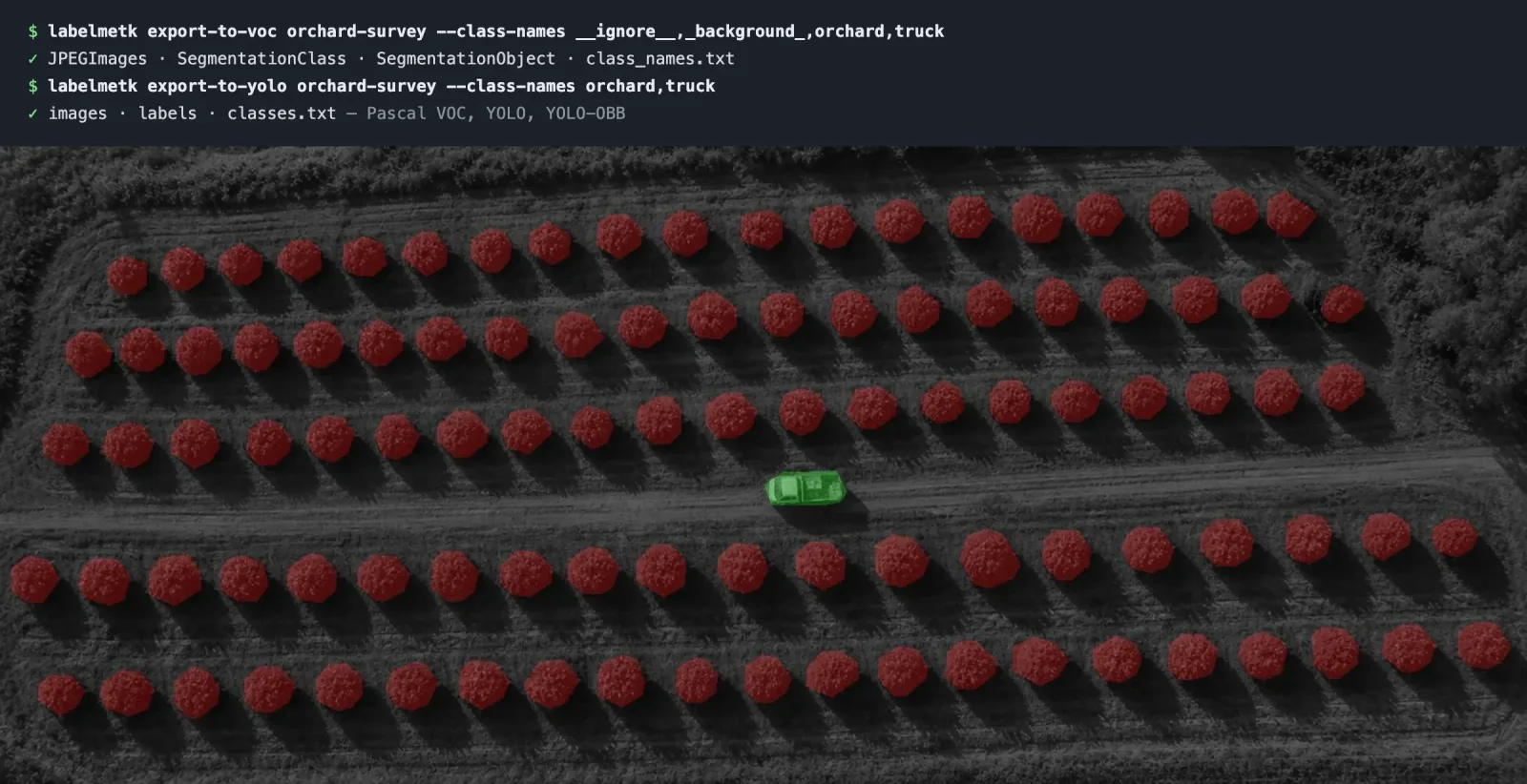
Generated sample scene, recorded in Labelme.Type "green plant"; SAM3 annotates the trees in the orchard.
You check the dataset in the app, then give your training code a format it reads.
Its built-in models run offline on your computer. Your agent's model may run in the cloud. Connect a local one to keep everything offline.
There is nothing to configure before the first image.
Pick a tool with one click, then draw.
There is no save step.
English简体中文繁體中文日本語한국어DeutschFrançaisEspañolPortuguêsItalianoNederlandsPolskiРусскийУкраїнськаTürkçeΕλληνικάMagyarBahasa IndonesiaTiếng Việtไทยفارسی
Mark an annotation occluded or truncated, or add a note.
Or draw every shape by hand.
Labelme writes one beside each image, and any script can read it.
{"imagePath":
   "urban_plaza_0001.png",
 "shapes": [{"label": "dog",
   "shape_type": "polygon",
"points": [[832.4, 861.0], …]}]} ChatGPT outlines every field in the aerial photo
create_shapes Claude selects the boxes that miss their car
select_shapes Claude Code deletes the duplicate labels
delete_shapes ChatGPT looks at the image you have open
get_image Claude reads every shape and label
get_state Connect ChatGPT, Claude, Claude Code, Codex or Cursor from File › Connect AI Agent… in Labelme.
The open-source package has the same annotation tools and AI models. Pro adds AI agents and YOLO and VOC export, and installs without Python.
Labelme app "I used the free version before, and saved a lot of hassle, now, this wouldn't be much to invest."
Every review is from a buyer, quoted as written.Read them all on Gumroad
"The best thing about it is that it is easy to annotate, even for the average person who is not a programmer. Other apps require writing code or complicated steps, but this has none of that."
"Very awesome tool, helped me create lots of datasets by myself in a very efficient and quick way! Easy to use and performs outstandingly, very happy"
"The best standalone annotation tool."
"Super useful for image annotation in Windows."
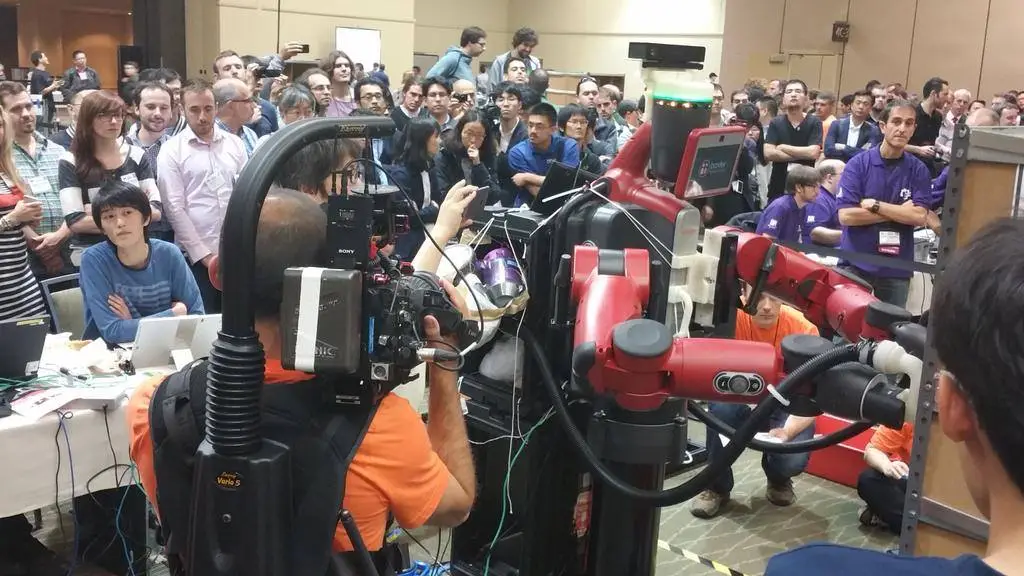
I wrote the first version of Labelme in 2016, as a student in a robotics lab at the University of Tokyo. Our team was entering the Amazon Picking Challenge, and I needed annotated images to train the robot's vision. It has been open source ever since, and I still maintain it.
The app on this page is that same Labelme, built and tested so you can skip the setup, with AI agents and dataset export added. Buying it pays for that work and keeps the open-source project maintained. If it does not work for you, email support@labelme.io within 14 days and I will refund you in full.
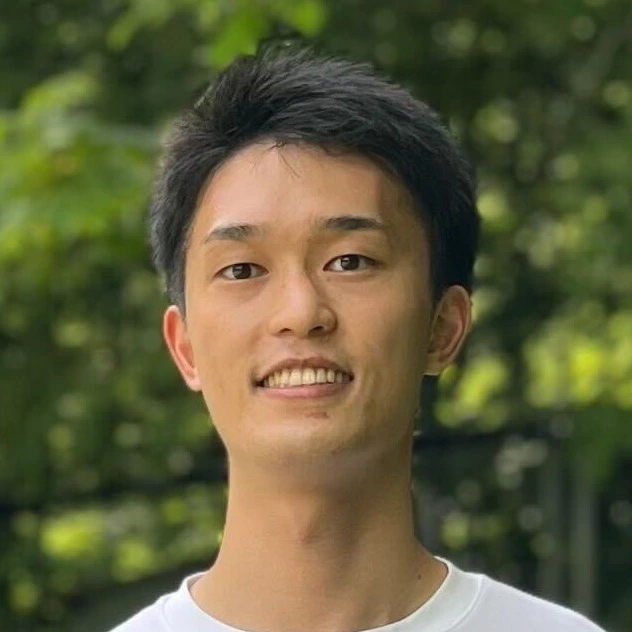
Kentaro WadaAuthor of Labelmekentaro@labelme.ioPhD from Imperial College London. Formerly computer vision lead at Mujin. Alumnus of the JSK Robotics Lab, University of Tokyo.
Pro adds an MCP server, so any AI agent can annotate for you. It also adds a model download mirror that stays fast behind firewalls, YOLO and Pascal VOC export, priority email support, and a desktop app with no Python setup. The annotation tools and AI models are the same. Compare the plans.
Yes. Download the app and use it free for three days, with no credit card. The trial excludes the Pro dataset toolkit.
No. You pay once and keep your version forever. Pro includes a year of updates, and Pro Lifetime includes every future update.
Not through Labelme. The app uploads nothing and sends no telemetry, and its built-in models run offline on your computer. Your agent's model may run in the cloud. Connect a local one to keep everything offline.
Email support@labelme.io within 14 days of payment for a full refund, no questions asked.
Yes. Download the AI models on a connected computer first, or ask support@labelme.io for the offline pack.
SAM, SAM2, SAM3, and EfficientSAM for segmentation, plus YOLO-World for text-prompt detection. Every model runs on your computer.
Pro exports to YOLO, YOLO-OBB, and Pascal VOC, and imports YOLO and YOLO-OBB datasets back.
AI drafts each shape on your computer, Labelme uploads nothing, and one installer replaces the Python setup.
Available for macOS, Windows, and LinuxTry it free for 3 days without a card. After that you pay once, from $79, and can get a full refund within 14 days.
