
AI predictions over existing Shapes now land on the canvas
You click with AI Assist on an object that already carries an annotation—you want a cleaner outline, or you are checking whether the model agrees with what is there. Nothing appears. The draft Shape is discarded, the status bar reports that inference produced no new annotation, and five seconds later that line is gone too. From the canvas, the click did nothing.
Predictions now become new Shapes. What the model returns lands on the canvas and asks you for a Label, so you compare the two outlines and delete the one you do not want. The decision is yours instead of the app's. The fix ships in v7.1.0 and closes the issue that a click over existing work looked like a failed inference.
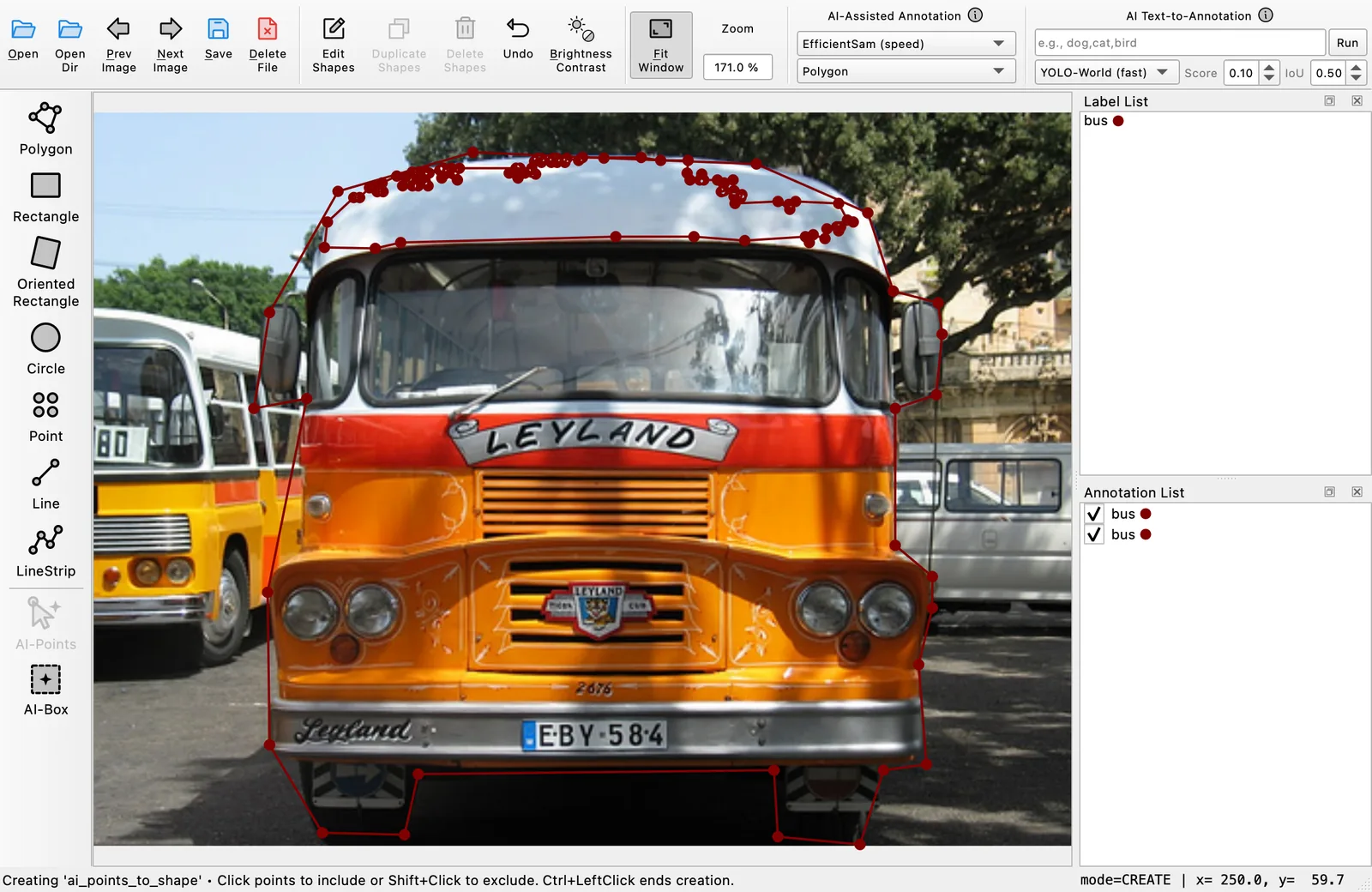
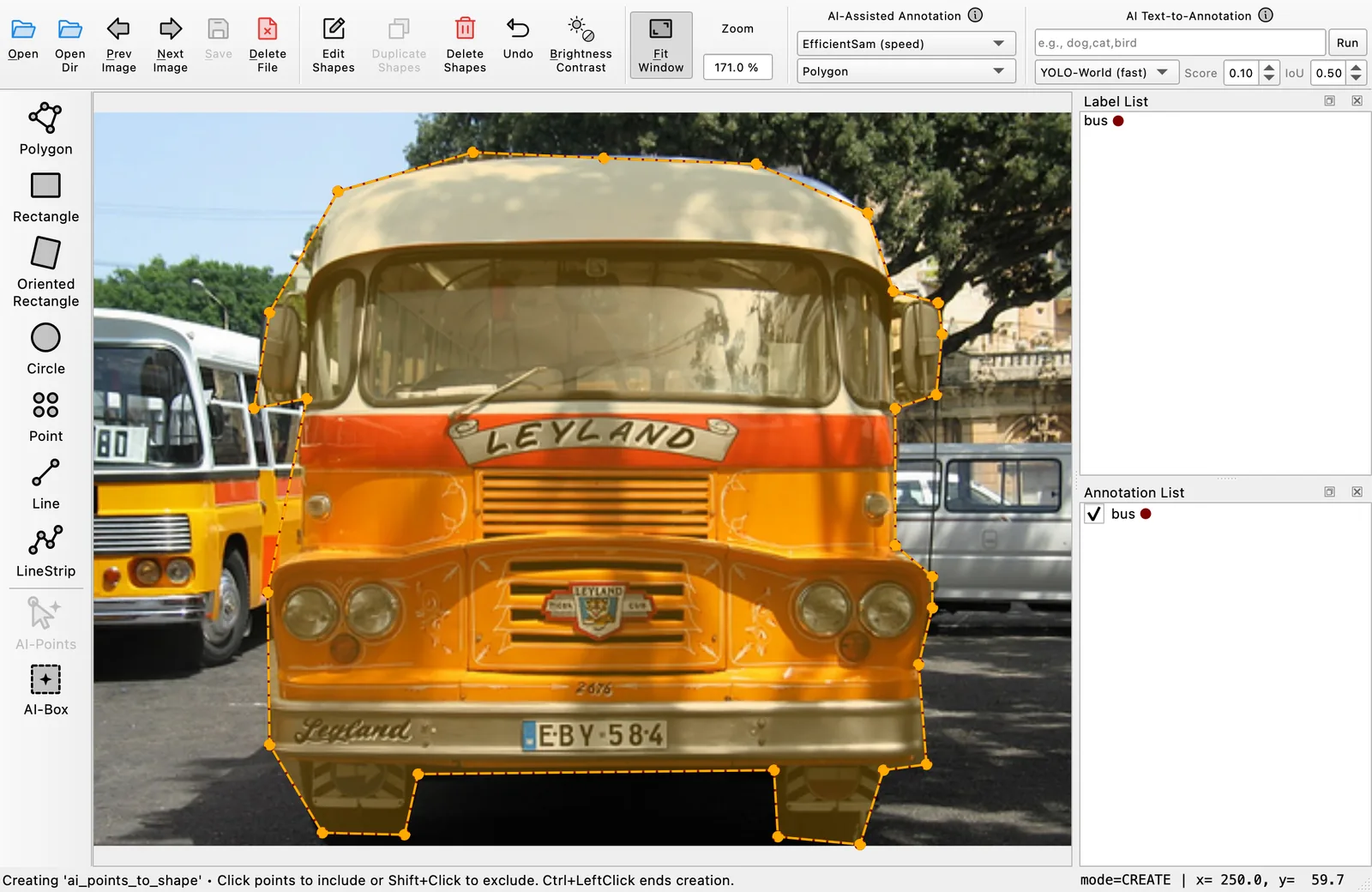
Both offscreen renders use the same image, the same hand-drawn bus polygon, and the same AI Points prompt. Only the setting below changes.
Suppress the duplicates when you want them suppressed
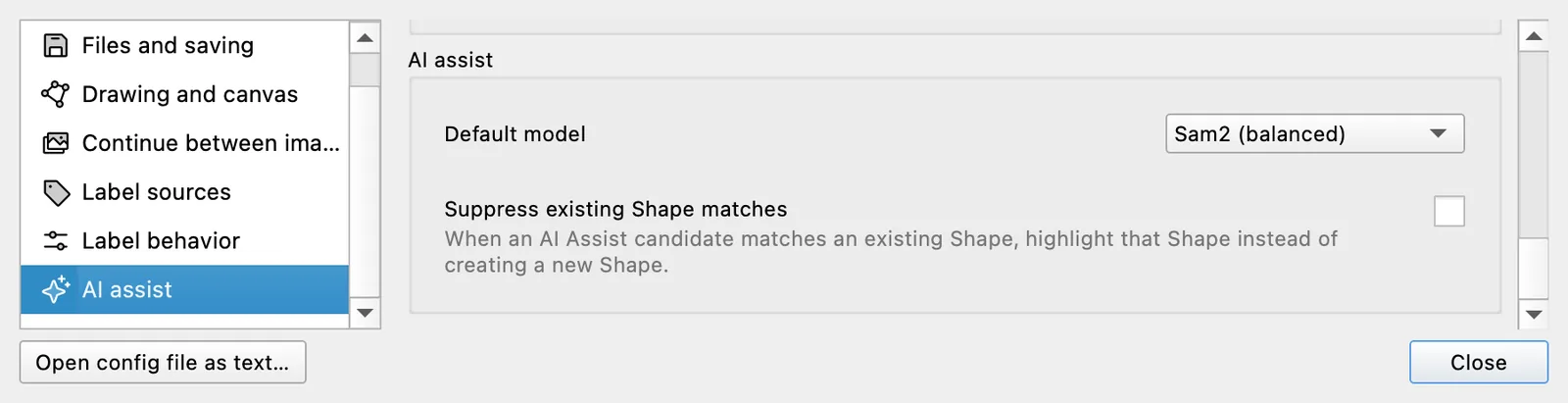
On a dense canvas a duplicate outline is noise rather than a choice. Settings → AI assist now carries Suppress existing Shape matches, off by default. Turn it on and a prediction that matches a Shape you already have draws a dashed amber highlight over that Shape instead of adding anything, while predictions that match nothing are still added normally. The highlight is a hint, not an annotation: it clears on your next canvas action, mode change, or image change.
The match is geometric, not label-based, and its thresholds are fixed: a prediction matches when it and an existing Shape share at least half of their combined area, or when 85% of the smaller of the two falls inside the other. That second rule is why a small prediction inside a large Shape still counts. A different Label on the existing Shape makes no difference. Rectangles, polygons, circles, oriented rectangles, and masks can match; Shapes made of points and lines never do.
Point prompts follow the points you place
AI Points can produce several candidate regions for one click. Labelme now keeps the candidate that best agrees with your prompt—the most positive points inside it and negative points outside it, with the model's own score breaking ties. Adding a negative point to push the model off a neighboring object now changes which candidate you get.
The new-Shape default and the suppression setting cover AI Points and AI Box. AI Text Prompt runs its own pipeline and is unchanged.