
Dark mode, and a theme that follows your system
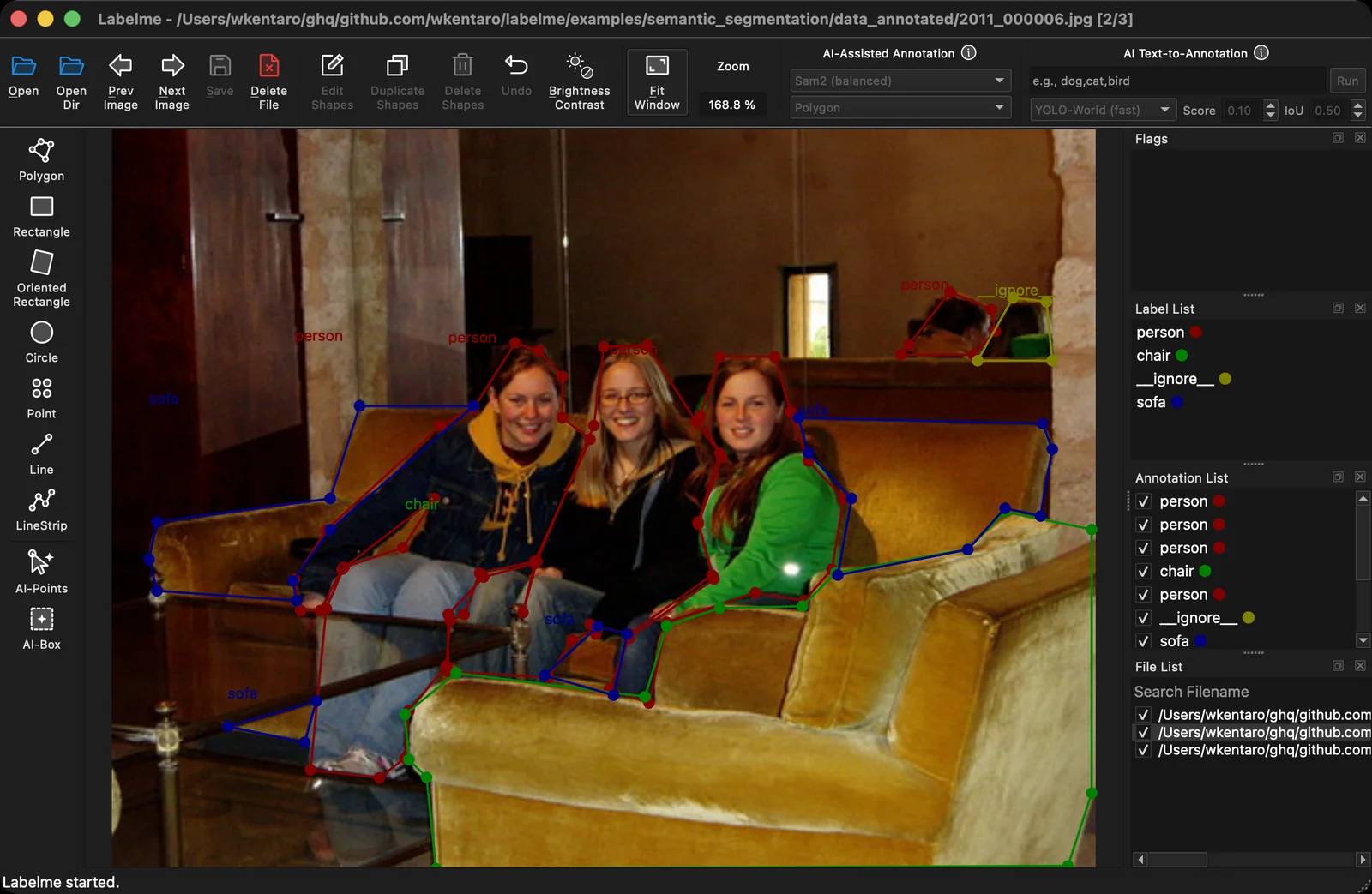
For years Labelme forced a light window no matter what the rest of your desktop was doing. If you annotate at night, or your OS is set to dark and every other app respects it, Labelme was the one bright rectangle on the screen.
Labelme v7 adds a color theme setting with three choices: System, Light, and Dark. Dark mode is new, and System follows your operating system so the app matches everything around it.
How it works
Three choices, live. Open Settings and pick System, Light, or Dark. The change applies immediately, no restart, so you can flip between them and keep the one that's easiest on your eyes.
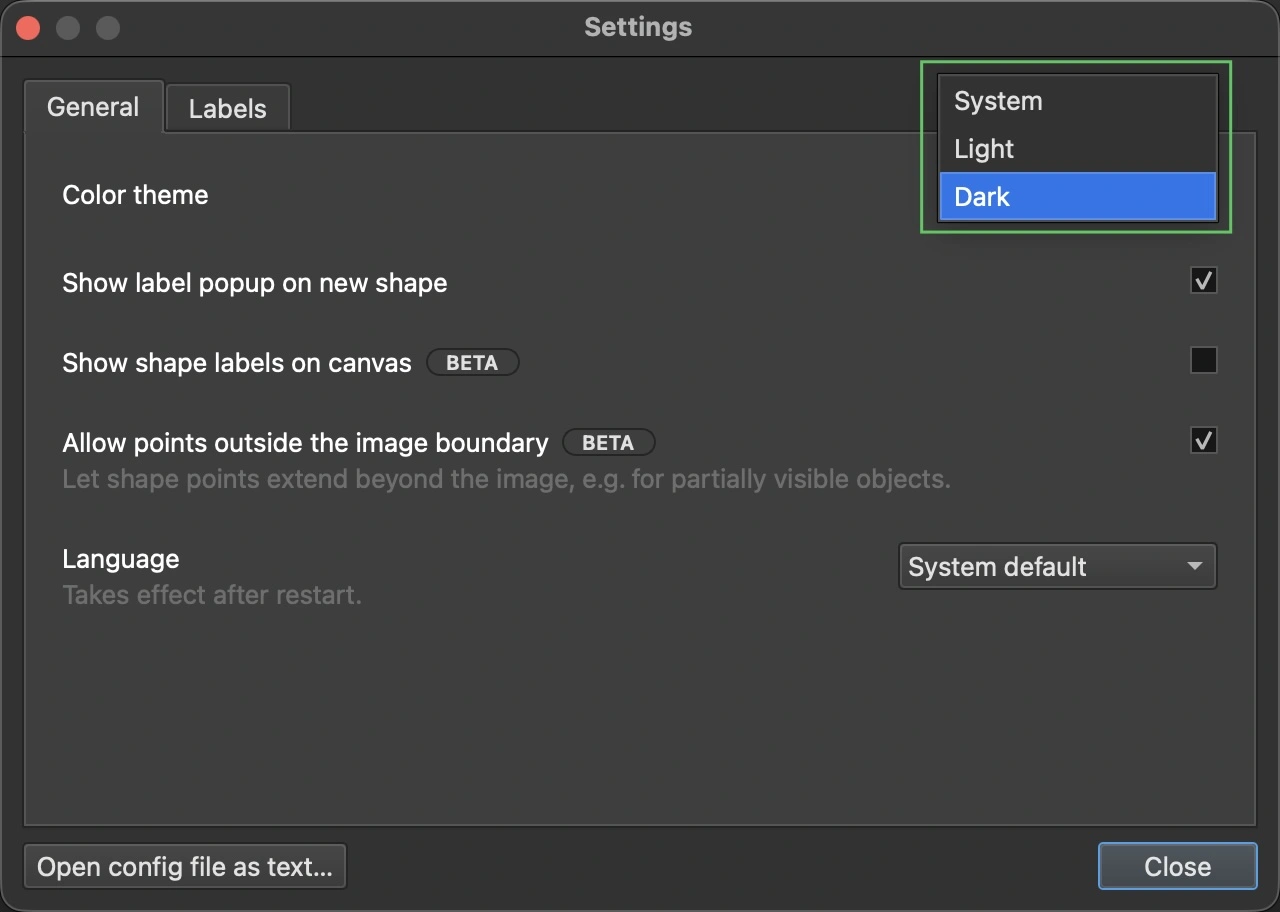
System tracks the OS. Choose System and Labelme reads your operating system's appearance. Switch your machine to dark in the evening and Labelme follows without you touching anything.
Icons went monochrome to match. The toolbar icons were redrawn to use the current text color instead of baked-in colors, so they stay legible on a dark canvas as well as a light one.
Where to find it
Update to Labelme v7 from the download page. The theme picker is in the new Settings dialog, alongside the other appearance options.
See the v7.0.0 release notes on GitHub for the full changelog. The theme system landed in #2260; the design rationale is in the color-theme ADR. If dark mode looks off anywhere, open a GitHub issue or ask on Discord.