
See labels on the canvas, not just in the side panel
Once a scene has twenty shapes, telling them apart is work. The polygons are on the canvas; their names are in the list on the side. To know which polygon is "car" and which is "truck" you hover, or you click, or you count down the list and back. The information you want is one glance away, but the glance goes to the wrong place.
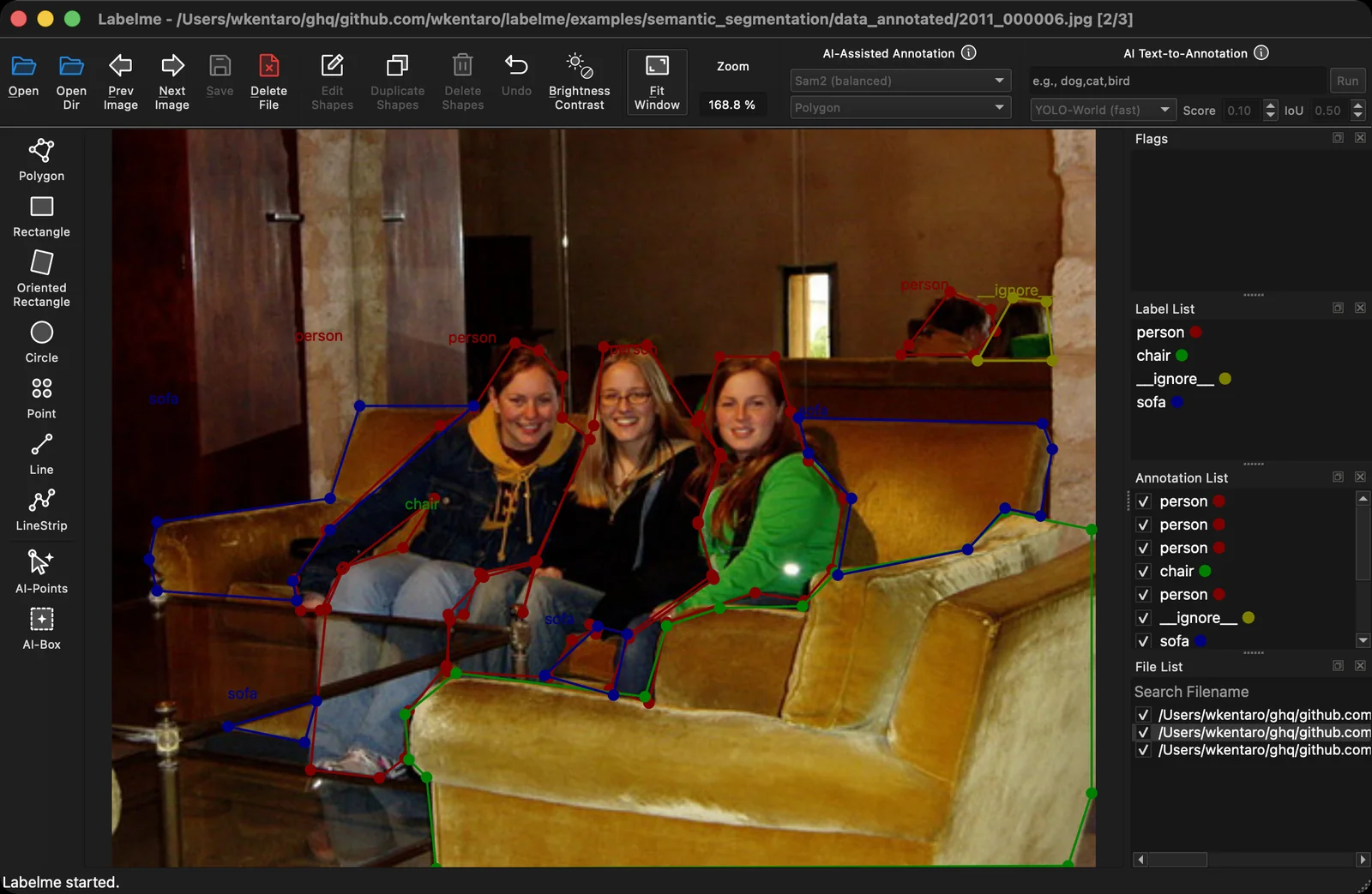
Labelme v7 adds a BETA preview that draws each shape's label directly on the canvas, anchored to the shape, so you read the annotation where you're already looking.
How it works
Labels sit on the shapes. Each shape's name renders at its anchor on the canvas, so a dense scene becomes readable at a glance instead of a puzzle of unnamed outlines.
It's a toggle. Turn it on when you want the overview and off when the text gets in the way of fine editing. The change applies live, no reload.
When to reach for it
- Review passes. Scanning a finished image for a mislabeled shape is far faster when the labels are on the shapes.
- Dense multi-class scenes. Street scenes, shelves, crowds, anything with many classes close together.
- Demos and screenshots. A canvas that shows its own labels explains itself.
Where to find it
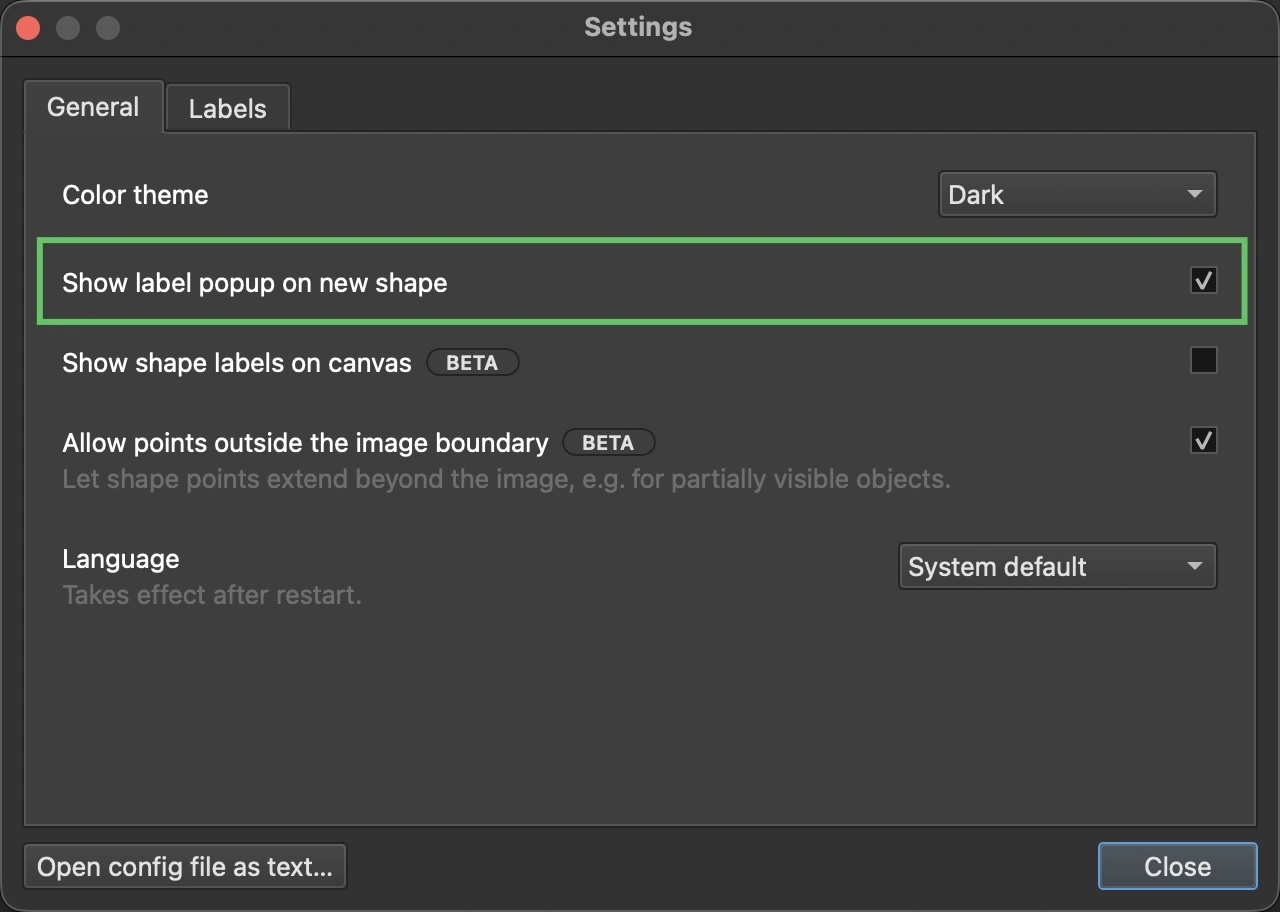
This is a BETA feature, so it's off by default and carries a BETA badge in the new Settings dialog. Enable it there once you're on Labelme v7 (from the download page).
See the v7.0.0 release notes on GitHub for the full changelog; the overlay landed in #2182. Since it's BETA, open a GitHub issue or say hello on Discord if the placement or readability could be better for your images.