
Menu names now say what the action does
You upgrade, open the View menu to get back to a 1:1 view, and Original size is not there. Or a shape is selected and the names do not tell you whether Copy Shapes or Duplicate Shapes is the one that puts it on the clipboard.
Labelme v7.3.0 renames those actions and rewords their tooltips so a name states its effect. How the app works did not change: every keyboard shortcut, icon, and behavior is the same, and all 20 bundled UI languages carry the new wording. The tables below map each old name to the new one.
View menu
Scroll sideways to read the table.
| Before | Now | Shortcut |
|---|---|---|
| Original size | Actual Size | Ctrl+0 |
| Fit Window | Fit to Window | Ctrl+F |
| Fit Width | Fit to Width | Ctrl+Shift+F |
Zoom In and Zoom Out keep their names. Their tooltips now describe the image ("Make the image appear larger") rather than the zoom level, and each fit tooltip says that the mode keeps tracking the window as you resize it (#2580).
Edit menu and canvas context menu
Scroll sideways to read the table.
| Before | Now | Shortcut |
|---|---|---|
| Copy Shapes | Copy to Clipboard | Ctrl+C |
| Paste Shapes | Paste from Clipboard | Ctrl+V |
Duplicate Shapes keeps its name because it clones the selection in place without touching the clipboard. Both menus now read as blocks: undo, then the clipboard actions, then the actions that change a shape (#2582).
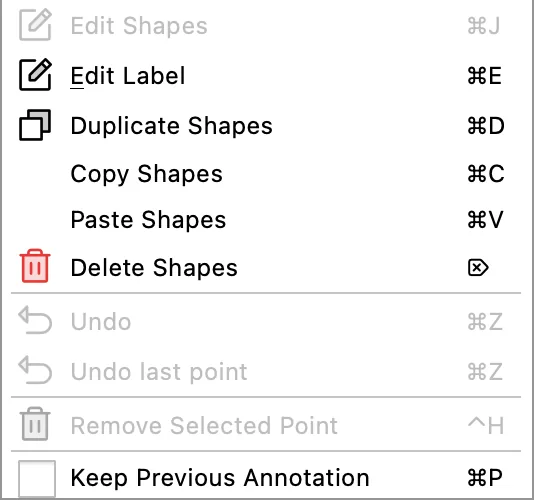
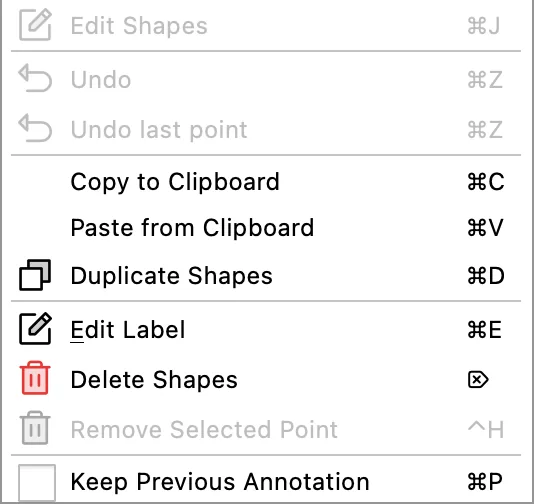
Both offscreen renders hold the same shape selected and are cropped to the entries below the drawing modes. The shortcut beside each entry is unchanged.
Save As
Its tooltip is now "Save the labels under a new file name". Save reads "Save labels to file", so the old "Save labels to a different file" was hard to tell apart on hover (#2584).
Annotation List is now Shape List
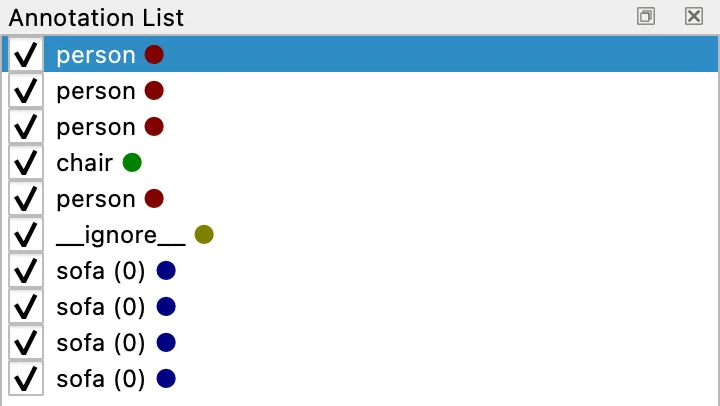
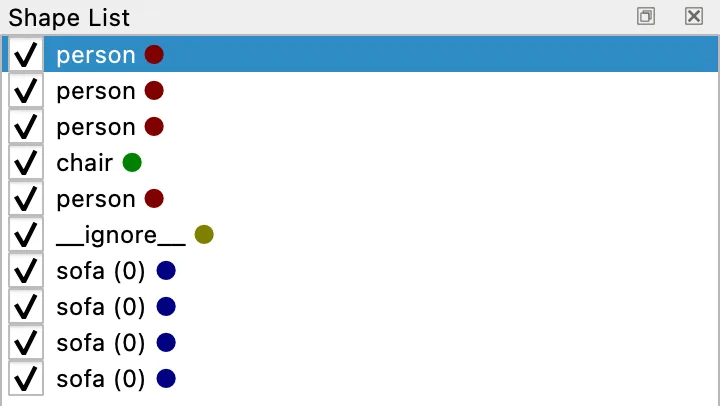
One row there is one Shape: a single polygon, rectangle, or mask. An Annotation is everything recorded for one Image, and that is what one JSON file holds, with its shapes array carrying exactly the rows above. The old title implied a row was a whole Annotation, which is the reading that breaks as soon as you open the file (#2593).
Everything here ships in v7.3.0.