
Canvas labels now show which shapes belong together
You split one object across two shapes—a truck cab and its trailer, a person cut in half by a pole—and tie them together with a group ID. On the canvas both shapes read truck. To see which cab belongs to which trailer you click a shape and read the dialog, or you look away to the Shape List and match the rows back to the outlines.
Shape labels drawn on the canvas now carry the group ID, in the same label (id) form the Shape List (renamed from Annotation List in the same release) already uses. Grouping is readable where you are already looking. The change ships in v7.3.0; its implementation and canvas-rendering checks close the request to match the sidebar convention.
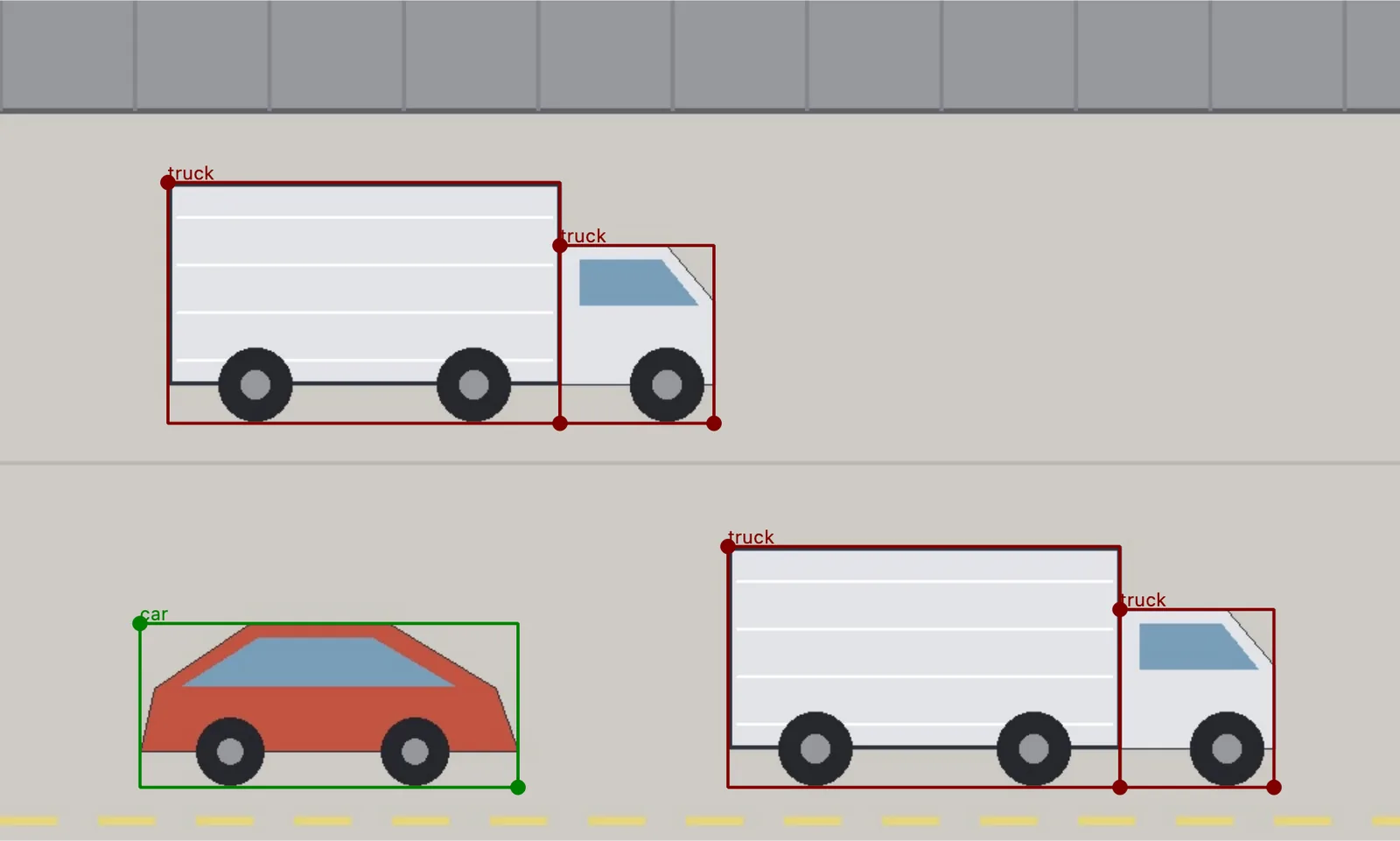
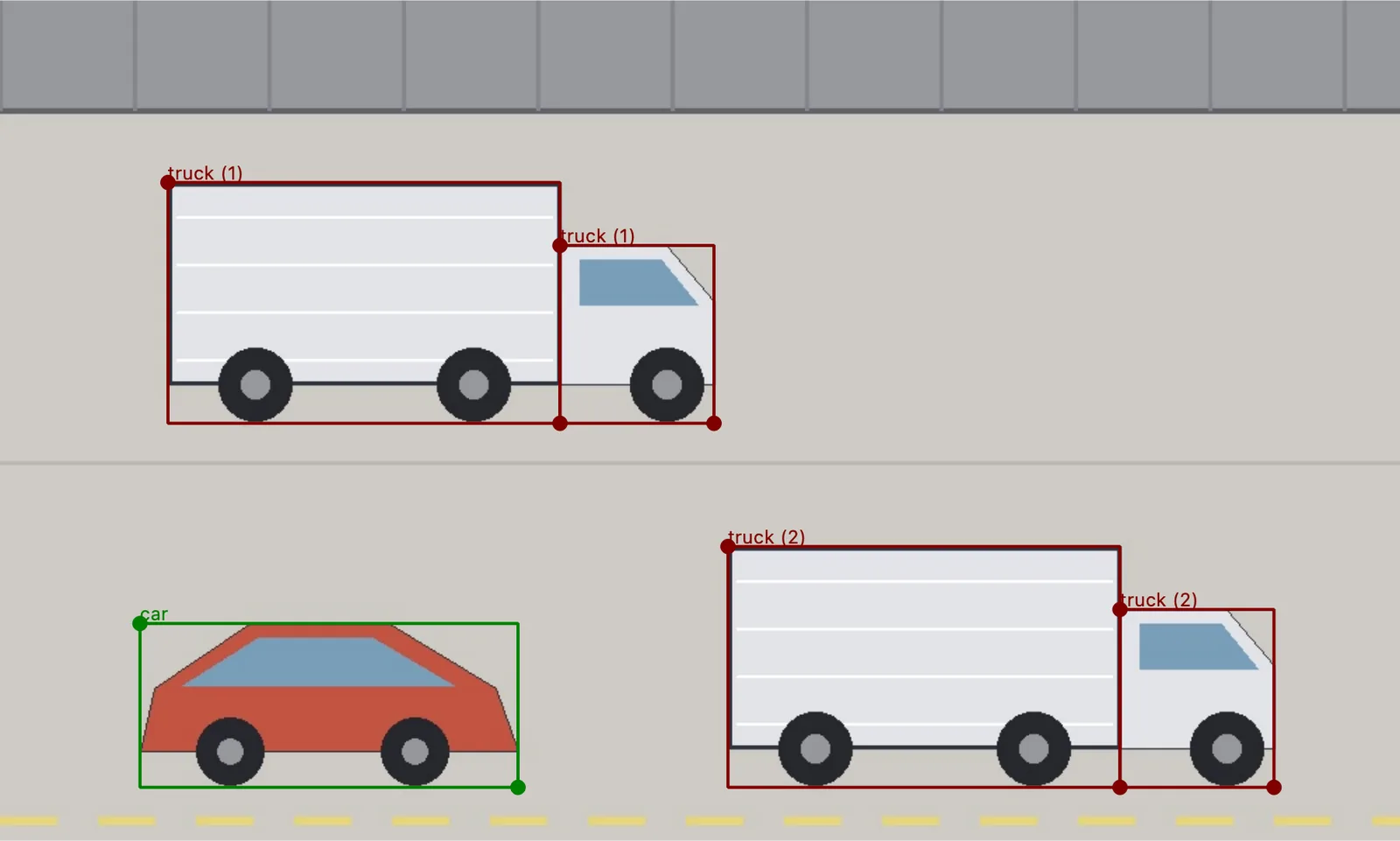
Both offscreen renders use the same image and the same five Shapes. Only the version changes: the cab and trailer of each truck now read truck (1) and truck (2), and the ungrouped car still reads car.
What the label does and does not say
The existing toggle is still the only one. On-canvas labels come from Show shape labels on canvas under Settings → Drawing and canvas, the BETA option introduced in v7. It is off by default, and no new setting was added for the group ID.
A group ID of 0 is a group ID. A shape in group 0 reads truck (0). Only a shape with no group ID at all keeps the bare label, so an ungrouped canvas looks exactly as it did before.
Flags stay in the sidebar. The Shape List appends enabled flags after the group ID; the canvas label stops at the label and the group ID, which keeps a dense image readable.