
FEATUREv7.5.01 min read
An empty window now shows where to start
You launch Labelme without an image or folder. The empty canvas used to leave you looking for a way to begin. In v7.5.0, that space shows Start annotating, with the next steps directly in front of you.
Choose Open Image for a single image or Open Directory for a folder of images. You can also drag and drop image files into the window. These entry points make it clear how to get your images onto the canvas without first exploring the menus. The empty-state change puts that guidance where your image will appear.
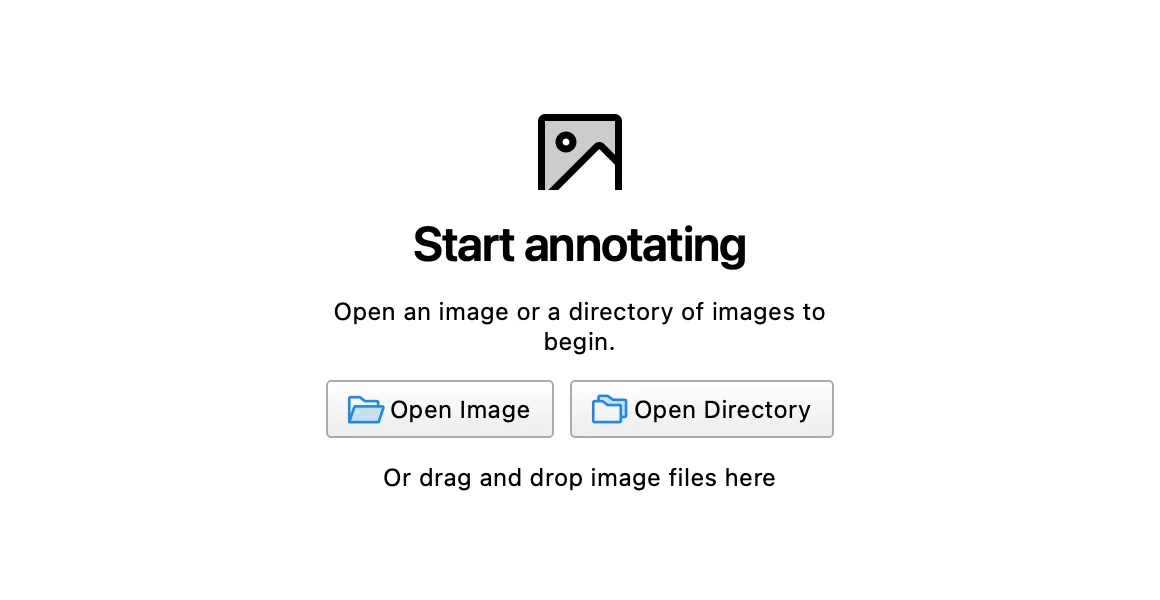
The image is an offscreen render of a fresh launch with no input, cropped to the canvas area. Once an image loads, the guide disappears and the canvas is ready for annotation.