
Very large images now open with your confirmation
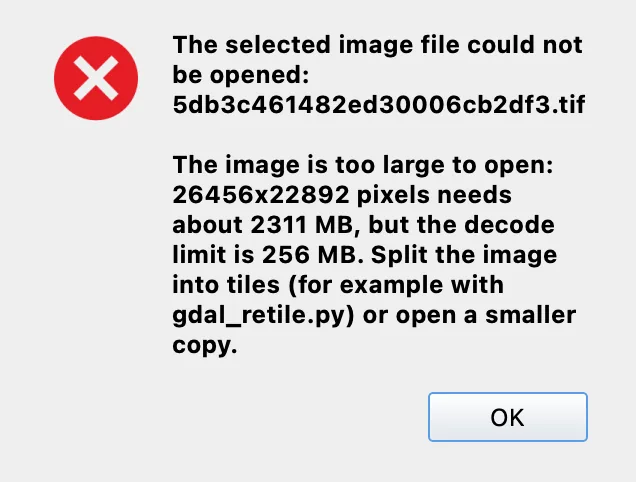
Opening a large aerial image could end with “The image is too large to open,” even when its dimensions were supported. Labelme v7.5.0 now lets you confirm Open Anyway when the image exceeds the memory safety limit, so you can load it for annotation without first making a smaller copy.
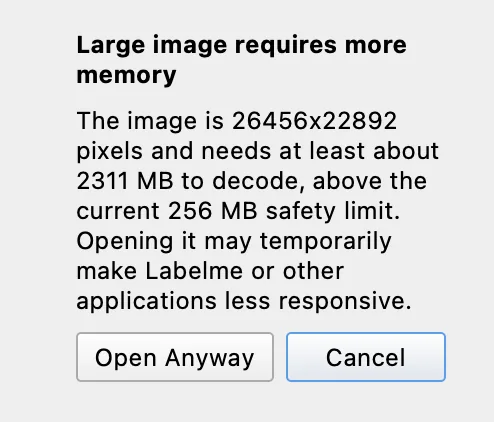
The confirmation shows the image dimensions and estimated memory needed, and warns that opening it may temporarily make applications less responsive. Cancel is the default: Enter or Escape declines the override. Images above 32,767 pixels on either side remain rejected; use tiles or a smaller copy for those. The fix gives you a choice about memory use while keeping that size boundary.
From an error to an open canvas
This 26,456 × 22,892-pixel aerial TIFF hits the default 256 MB decode limit. The dialog estimates at least 2,311 MB to decode it; the compressed file size is not the memory it needs when opened.
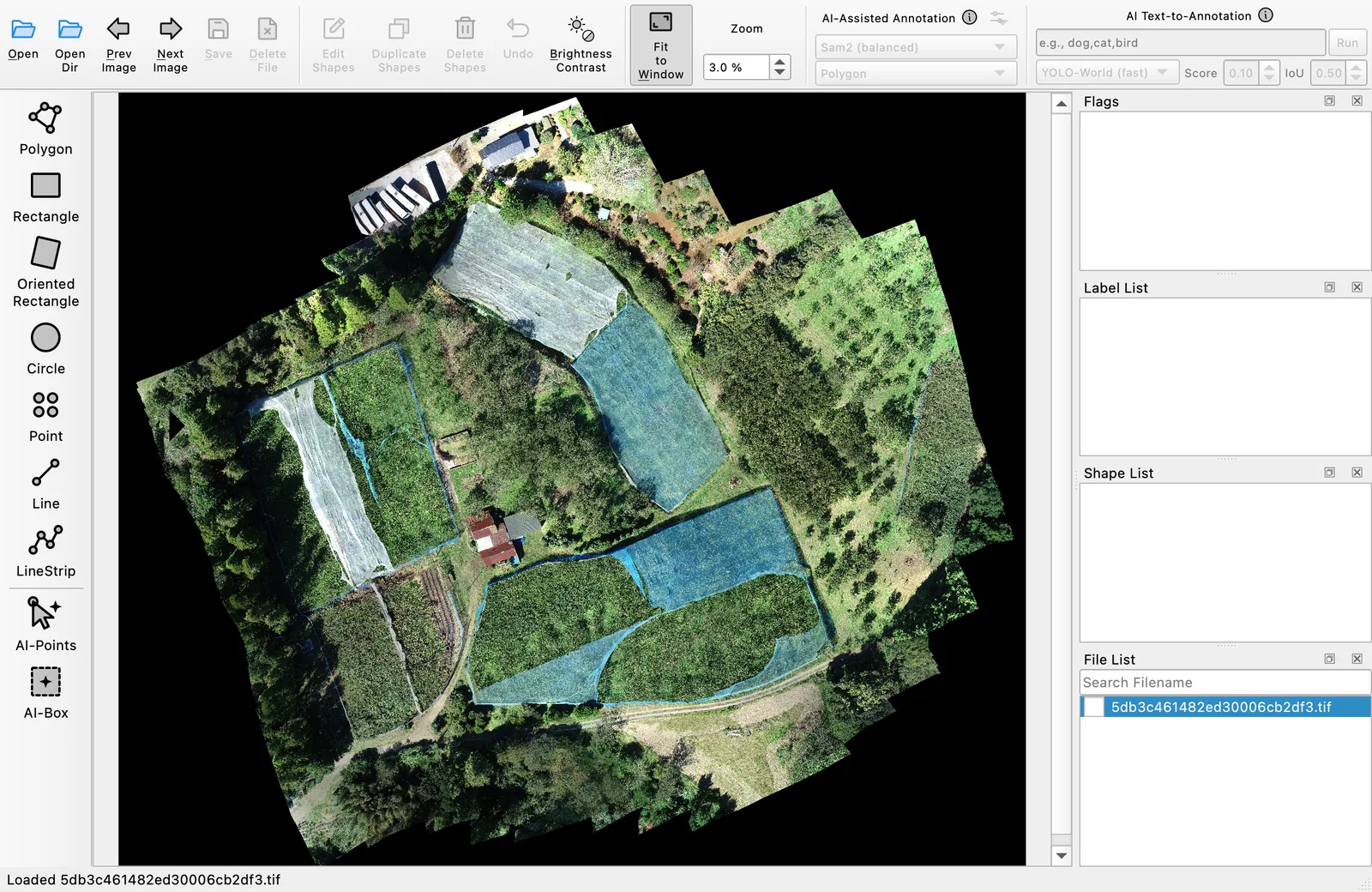
Aerial imagery © Open Imagery Network contributors, via OpenAerialMap, under CC BY 4.0, as specified by OpenAerialMap's imagery license. Shown scaled within an offscreen app render; no annotations have been added.
The override applies only to that decode, rather than turning off the safety limit for future images. Cancelling leaves your current image and annotations in place. This follows the earlier large-image error report; the implementation covers the retry and cancellation behavior.