
Your first annotation can be undone
You start with a raw image, draw one shape, and realize it is wrong. Until now, Undo stayed disabled for that first annotation, so Ctrl+Z or Cmd+Z did nothing and you had to delete the shape by hand.
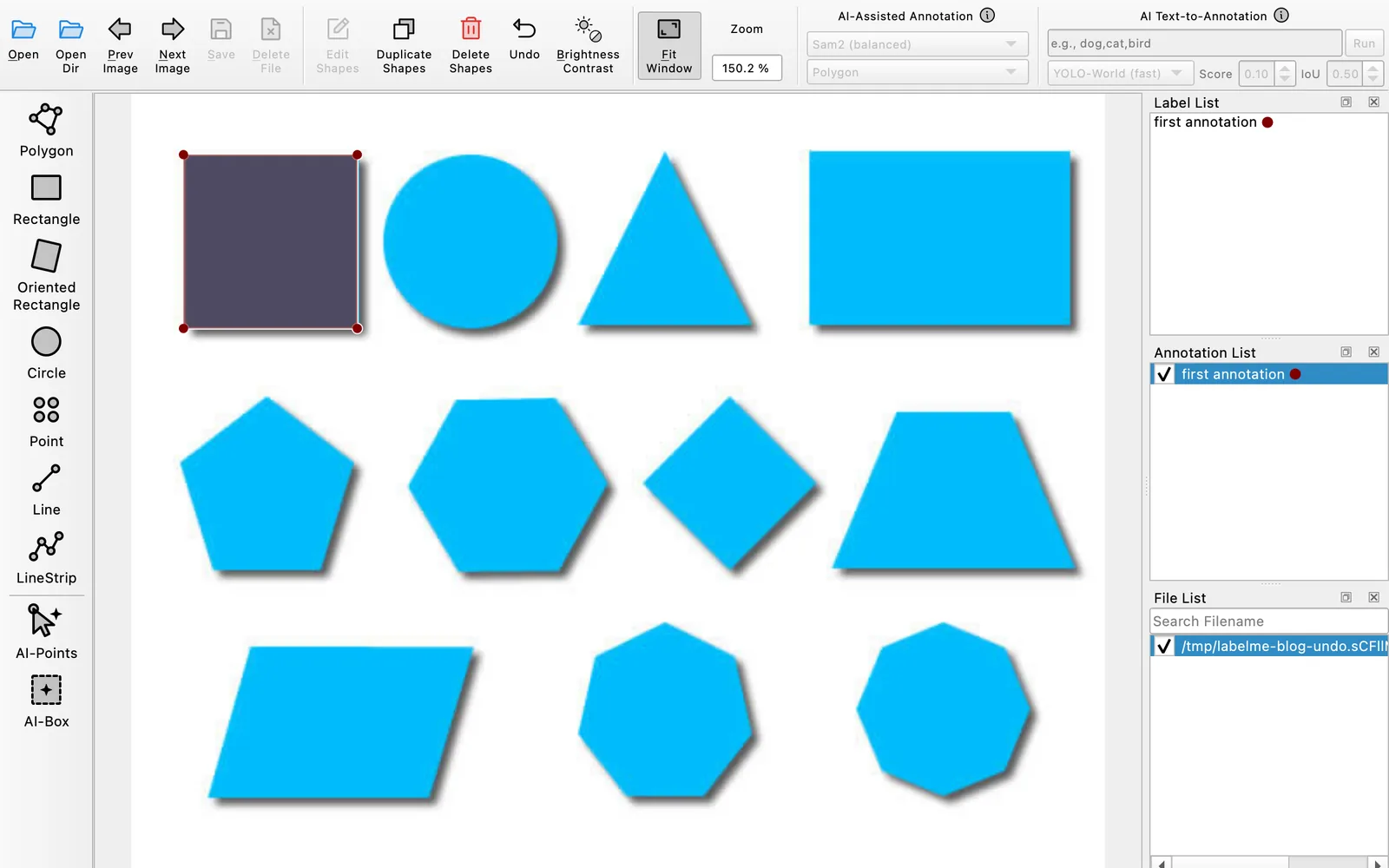
Undo now activates as soon as you commit the first shape. Click Undo or press Ctrl+Z or Cmd+Z, and the shape disappears from the canvas and Annotation List. Auto-save updates the annotation file immediately; with manual saving, click Save to update it. The fix ships in v7.2.0; its implementation and regression checks make the first mistake behave like every later one.
Carried-forward shapes stay safe
Keep Previous Annotation copies shapes from one image to the next. Undo stays disabled on the new image until you make a change, preventing an accidental Undo from discarding those shapes. Add or edit a shape, and Undo becomes available for that change. The same fix covers this boundary.
While a polygon is still open, Ctrl+Z or Cmd+Z removes the last point instead of the whole unfinished shape. The complete shortcut behavior is in the keyboard shortcut reference.