
Keep Previous Zoom now follows every image
You set a useful zoom, move through a folder, and revisit an image. In v7.3.0, that image could jump back to the view from your last visit, even with Keep Previous Zoom turned on.
Keep Previous Zoom now carries the view you just used to every image, new or previously opened. Zoom, scroll position, and pan move together, so a folder shot from one camera stays steady as you compare frames.
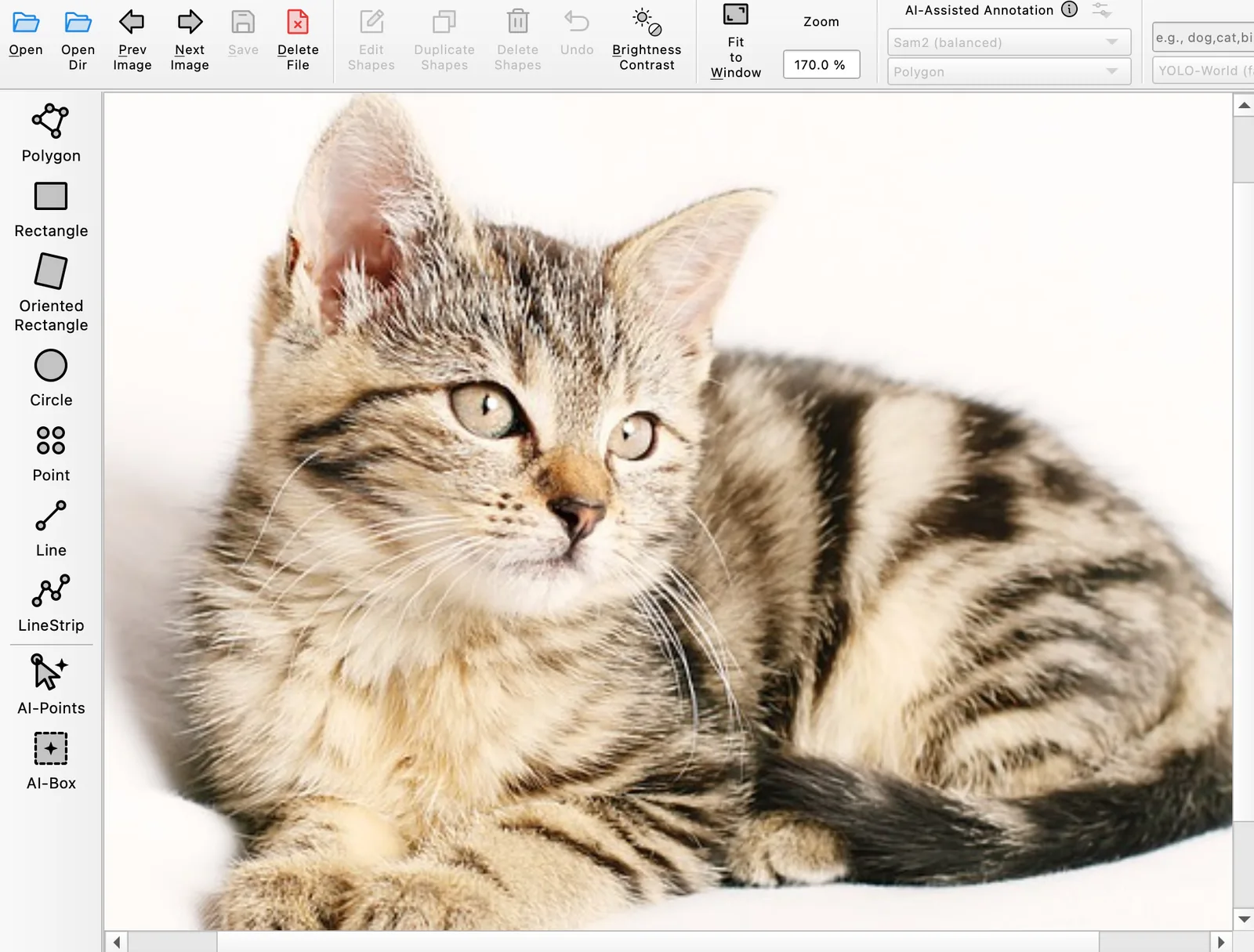
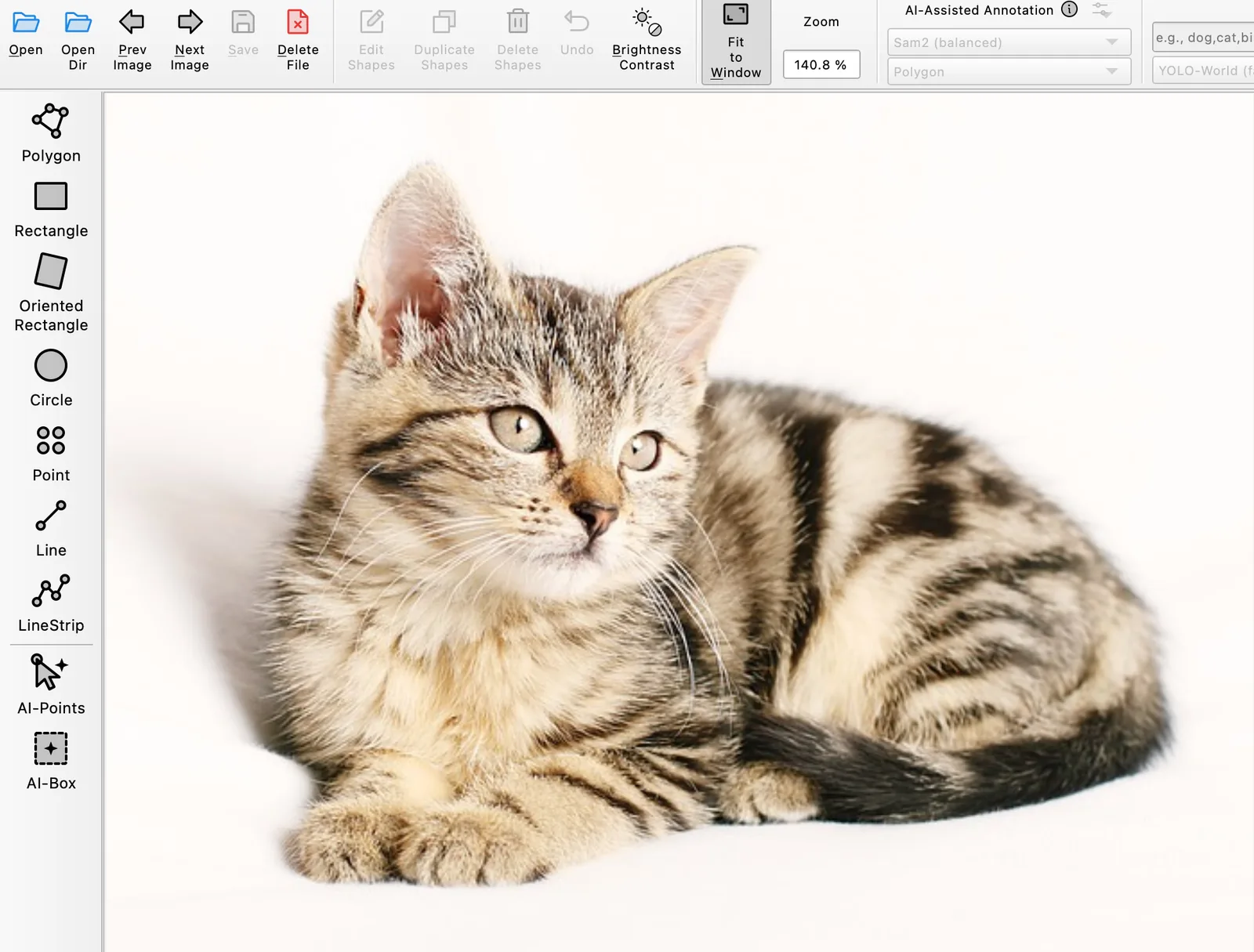
Both captures follow the same steps: turn on Keep Previous Zoom, open the cat at 170%, move to the dog, choose Fit to Window, then return to the cat. The old behavior brings back the cat's earlier zoom. The new behavior keeps the view you were just using.
Keep one view or remember each image
Turn on Keep Previous Zoom when you want one view to follow you through a folder. This works well for frames from the same camera, where you often inspect the same area at the same scale.
Turn it off when each image needs its own view. Labelme will still remember where you left a previously opened image, while a new image opens fitted to the window.
The fix is included in Labelme v7.4.0. The original report and implementation cover the exact navigation behavior.