
FIXv7.2.01 min read
Zoom keeps the detail under your cursor
You put the cursor over a narrow boundary and use Ctrl/Cmd-wheel to inspect it. Until now, the image could jump as zoom crossed a scrollbar threshold, so the detail moved away from the cursor and you had to pan back.
Zoom now keeps that exact image point fixed under the cursor, including during repeated zoom-out. Labelme also restores each image's complete view after brightness changes or image navigation, so you can return to the same detail without rebuilding the view. The fix ships in v7.2.0; its implementation and regression checks cover these transitions.
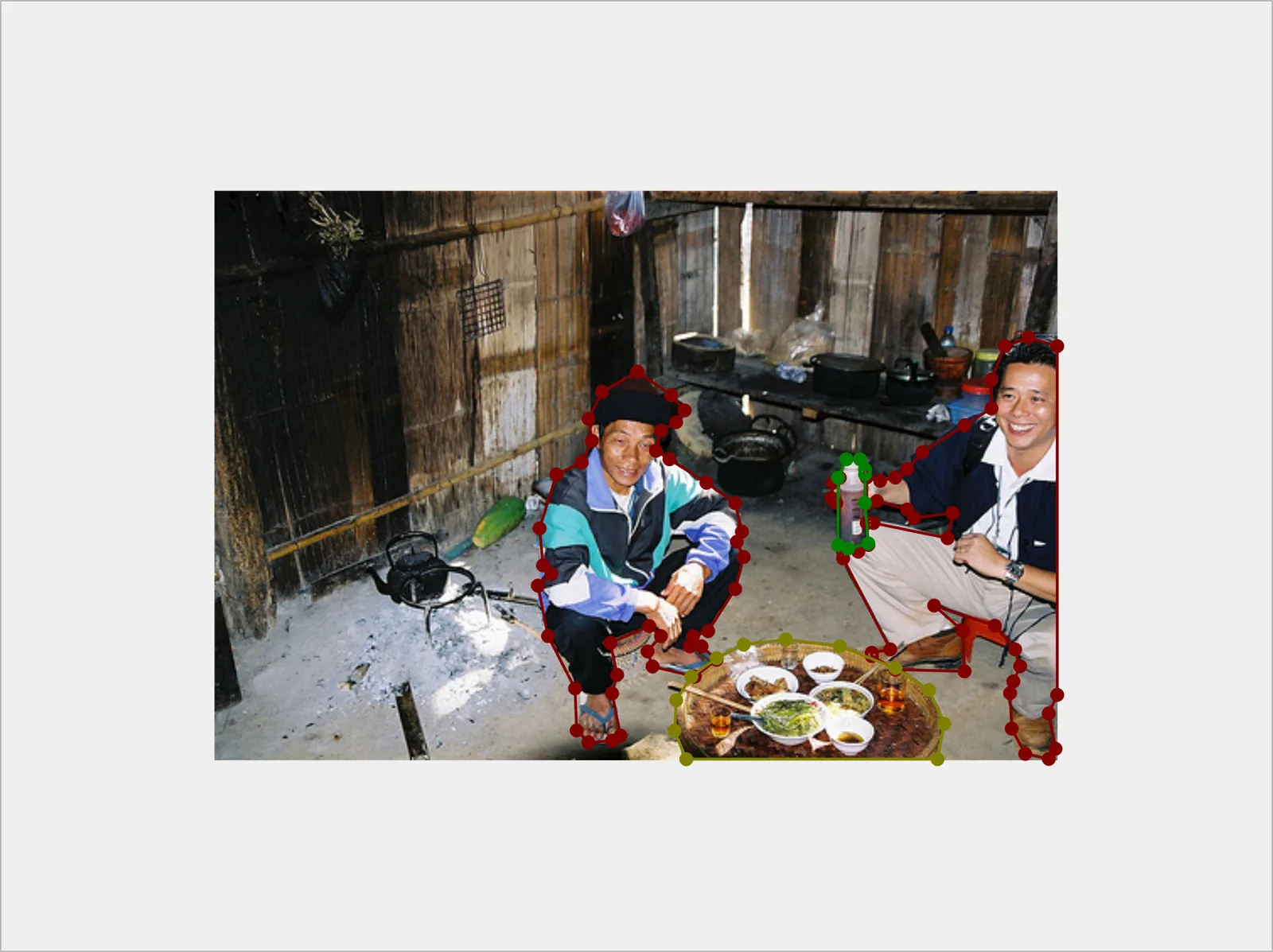
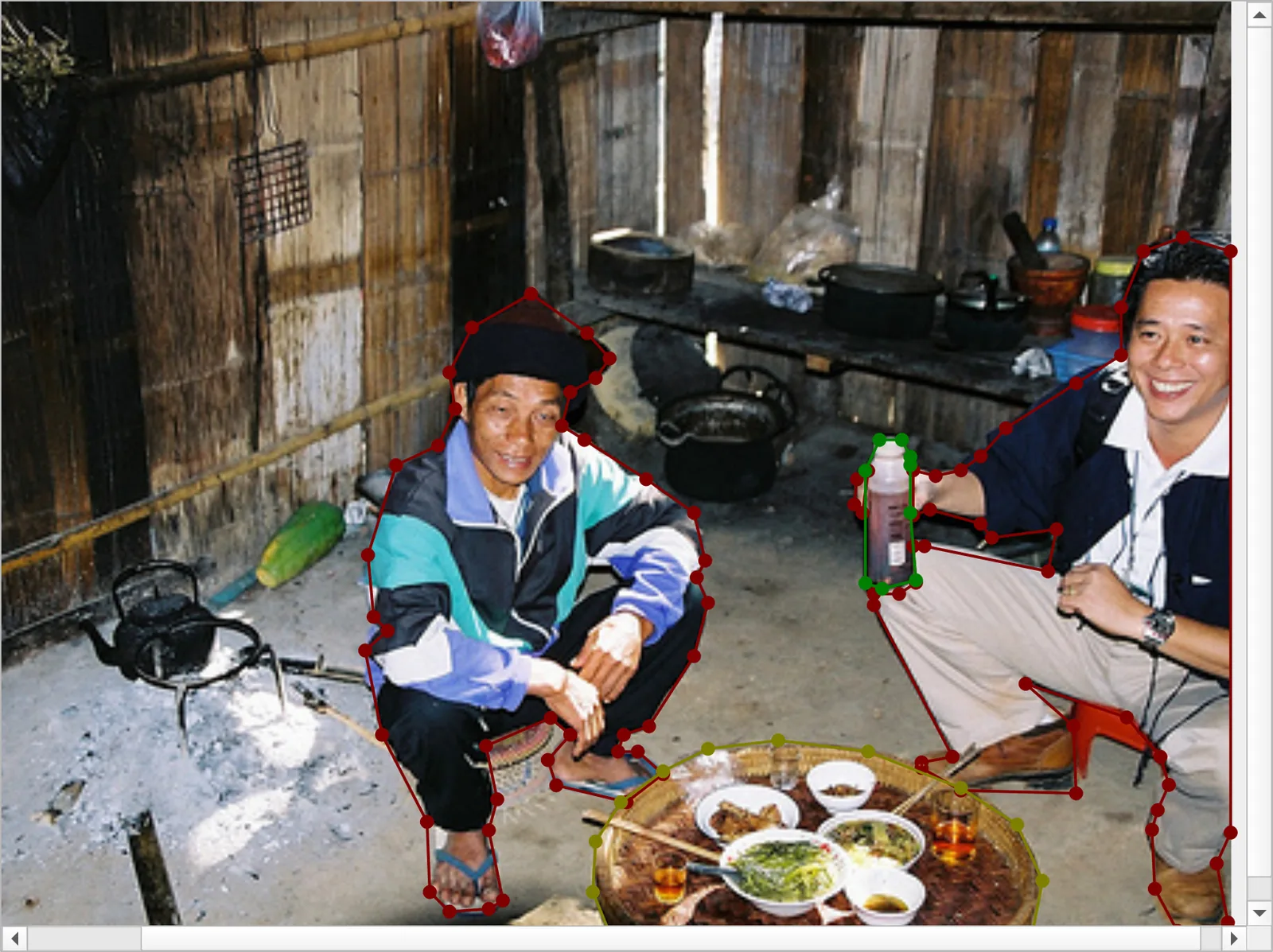
The bottle stays at the same screen position while the surrounding view changes from 120% to 200%.