
File List search keeps your current annotation open
Halfway through an annotation, you use File List search to find another image in the folder. Before v7.1.0, typing in the field could rescan the folder and ask what to do with your unsaved changes. In some cases, it also changed the image on the canvas.
In v7.1.0, search filters the File List in place. The image and shapes on the canvas do not move, even when the filter hides that file. You can check the filtered results, clear the field, and continue where you were. The v7.1 fix covers unsaved annotations too.
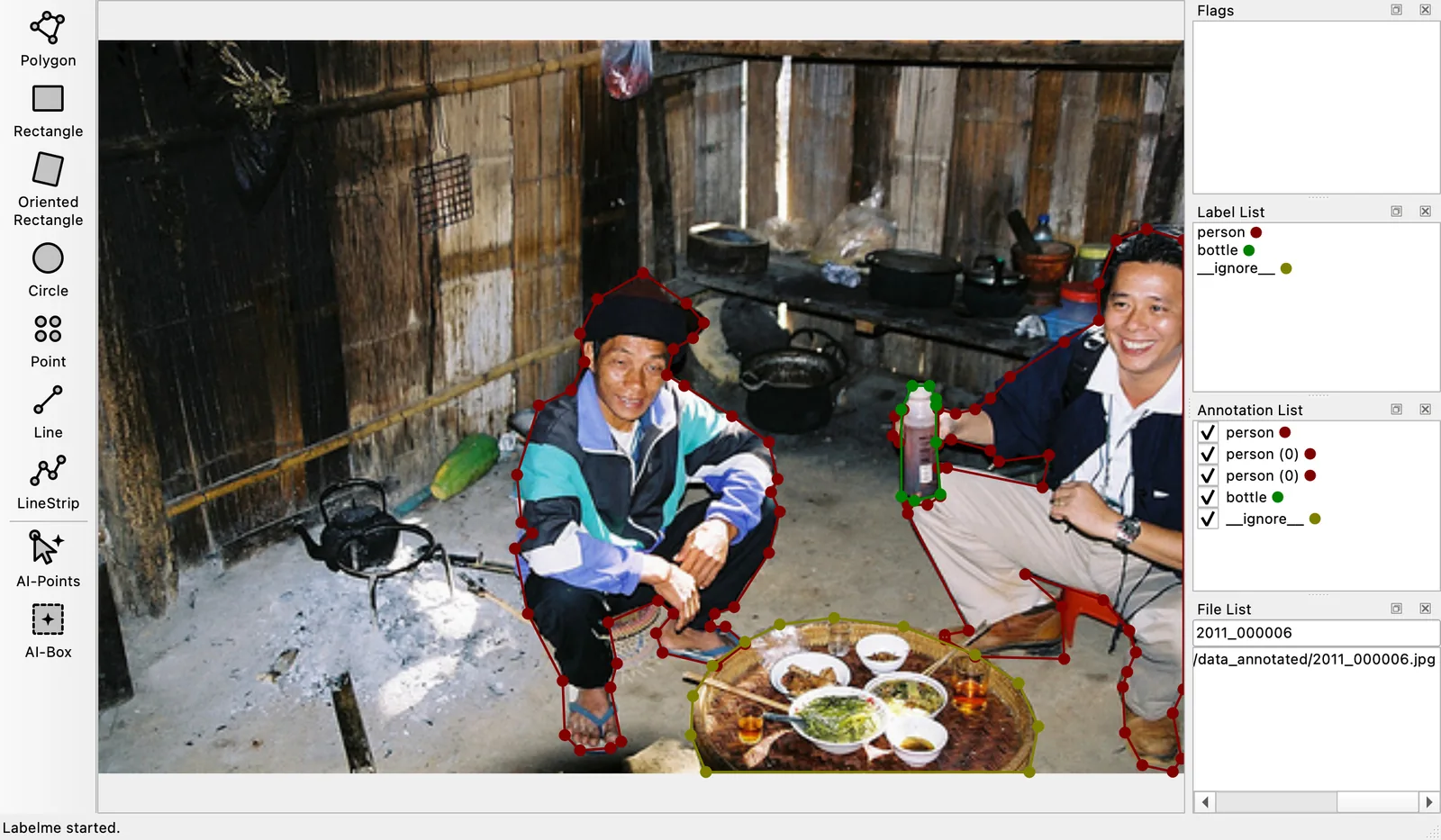
Search by filename or pattern
Type any part of a filename into Search Filename. Search is still case-sensitive and accepts regular expressions, so \.png$ shows only PNG files and camera-[0-9]+ matches numbered camera filenames. The original search change introduced that pattern support.
Clear the field to see the complete File List again. Labelme reselects the current image when it belongs to that folder. The original issue records the cases covered by the change.
The fix ships in Labelme v7.1.0.